Practive brings together the tools you need to manage clients, tasks, compliance work documents, billing, communication and your team from one centralized platform.
Creating invoices for multiple clients, services and assignments can become time-consuming when billing is managed through separate records.
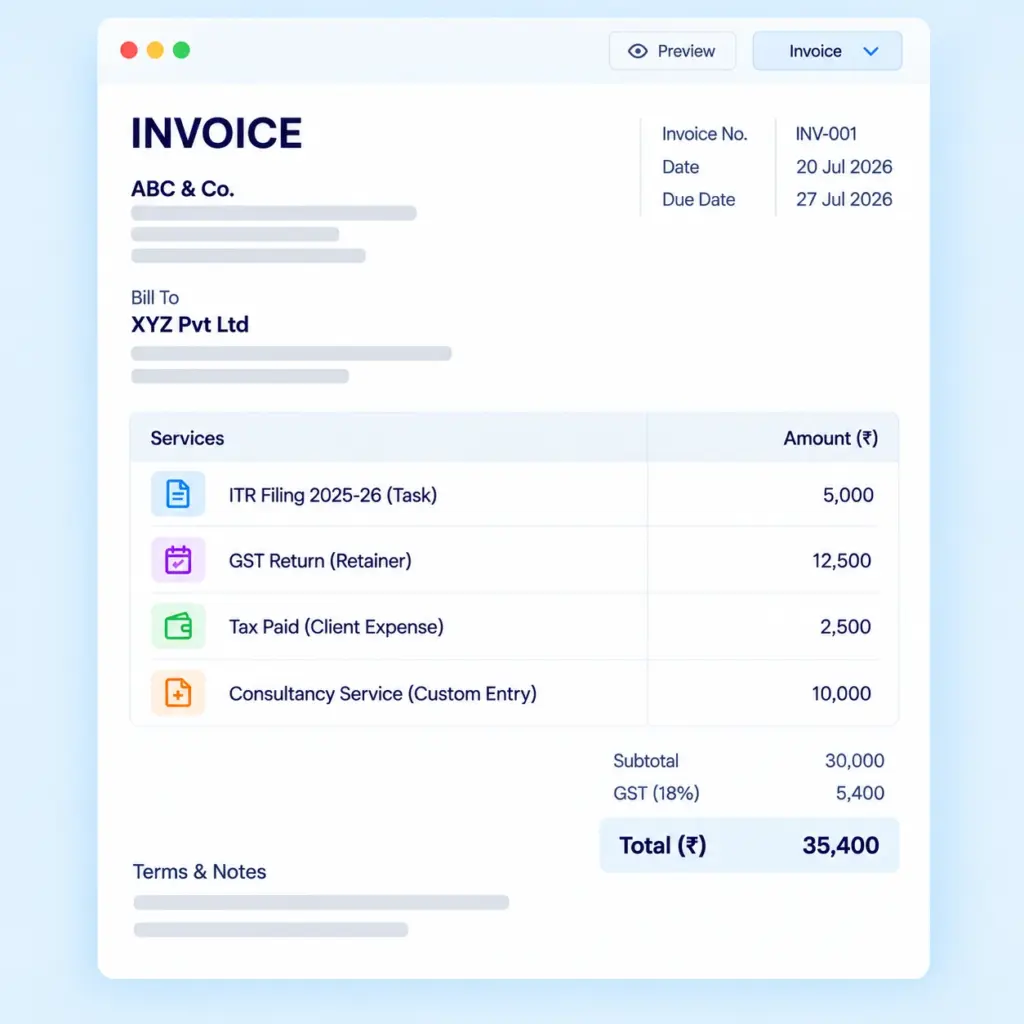
Practive helps you create and manage invoices for tasks, service packages, retainer, expenses and custom entries.
Keep billing information organized and manage related receipts, payments and outstanding amounts in one place.
Create Invoices Quickly
Create invoices for different billing requirements using the relevant client and service details. With Practive, you can generate invoices for tasks and completed assignments, service packages and retainers, client-related expenses, and custom billing entries.
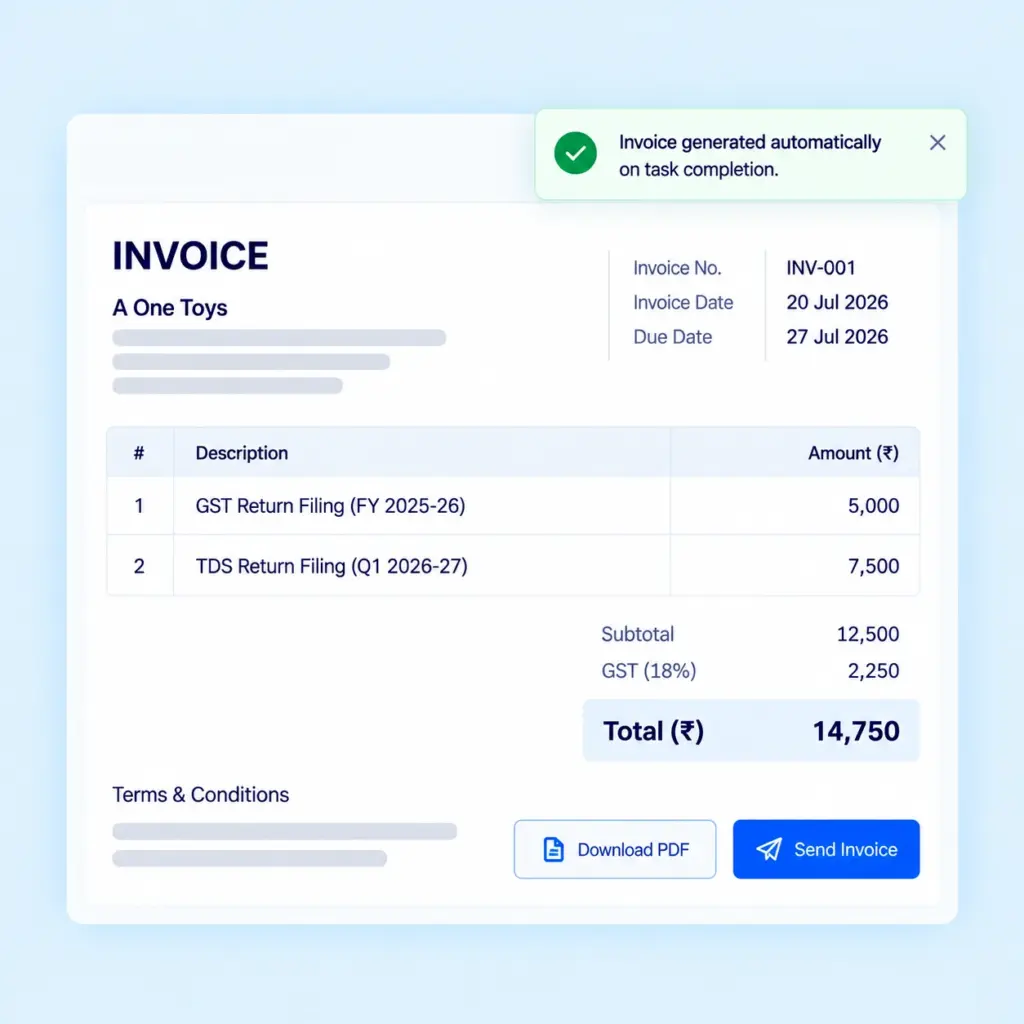
Instant Invoice Generation
Generate invoices instantly when tasks are completed. Practive connects task completion with your billing workflow, helping you reduce manual invoice creation and speed up the billing process. This feature helps CA firms bill for completed assignments without unnecessary delays.
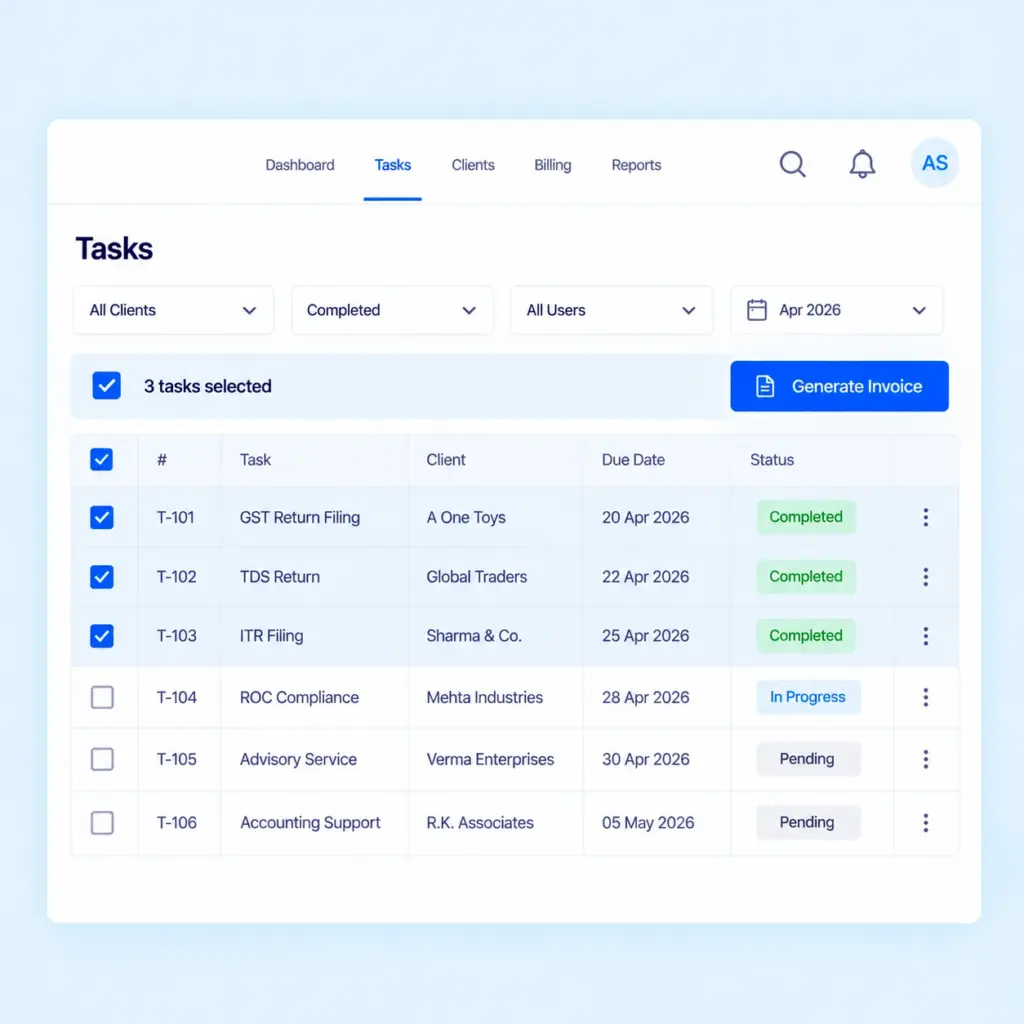
Bulk Invoice Generation
Save time by selecting multiple tasks and generating invoices in just two clicks. Instead of creating invoices individually, process billing for selected tasks through a streamlined workflow. This is especially useful for CA firms handling multiple client assignments and recurring compliance work.
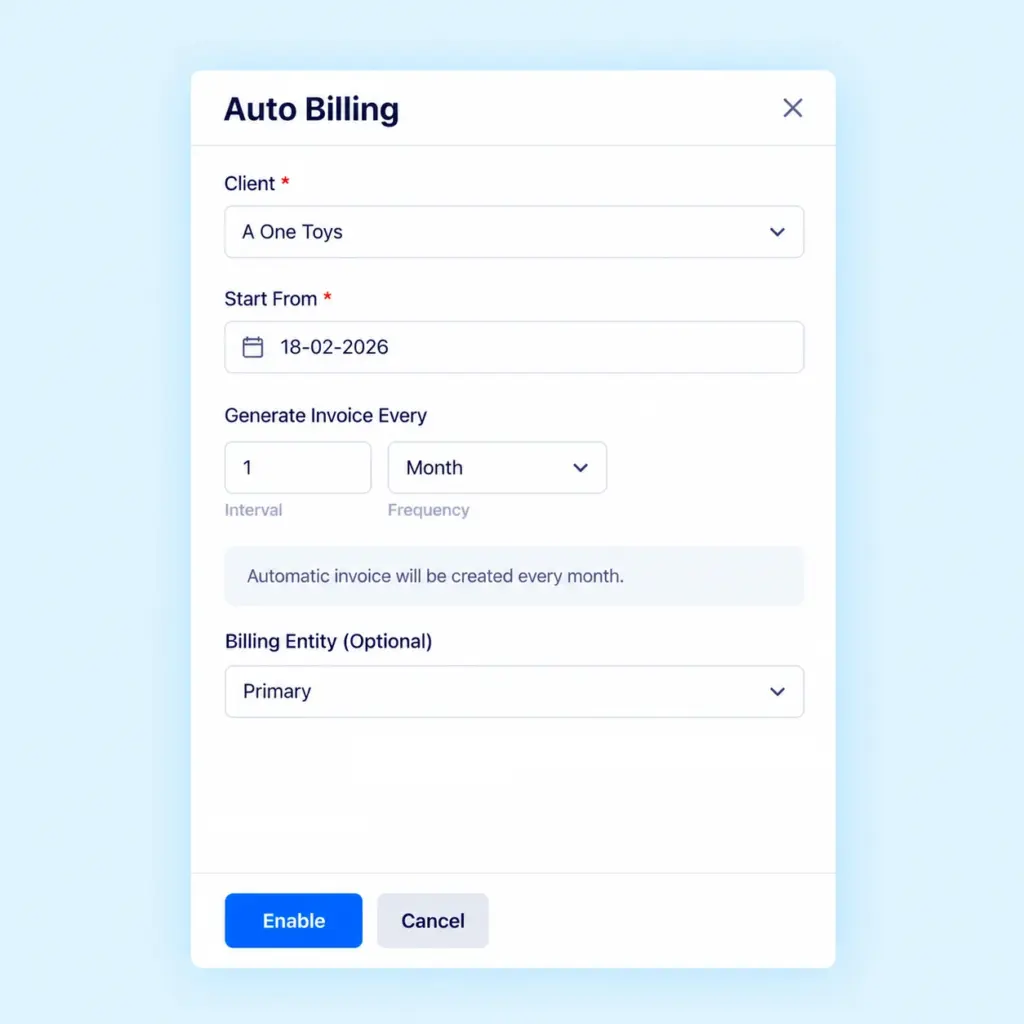
Automate Invoice Generation
Set up automatic billing for supported workflows to reduce repetitive invoice creation. Configure billing schedules such as weekly, monthly, quarterly or yearly, where applicable. Practive can automatically generate invoices when configured task-completion conditions are met.
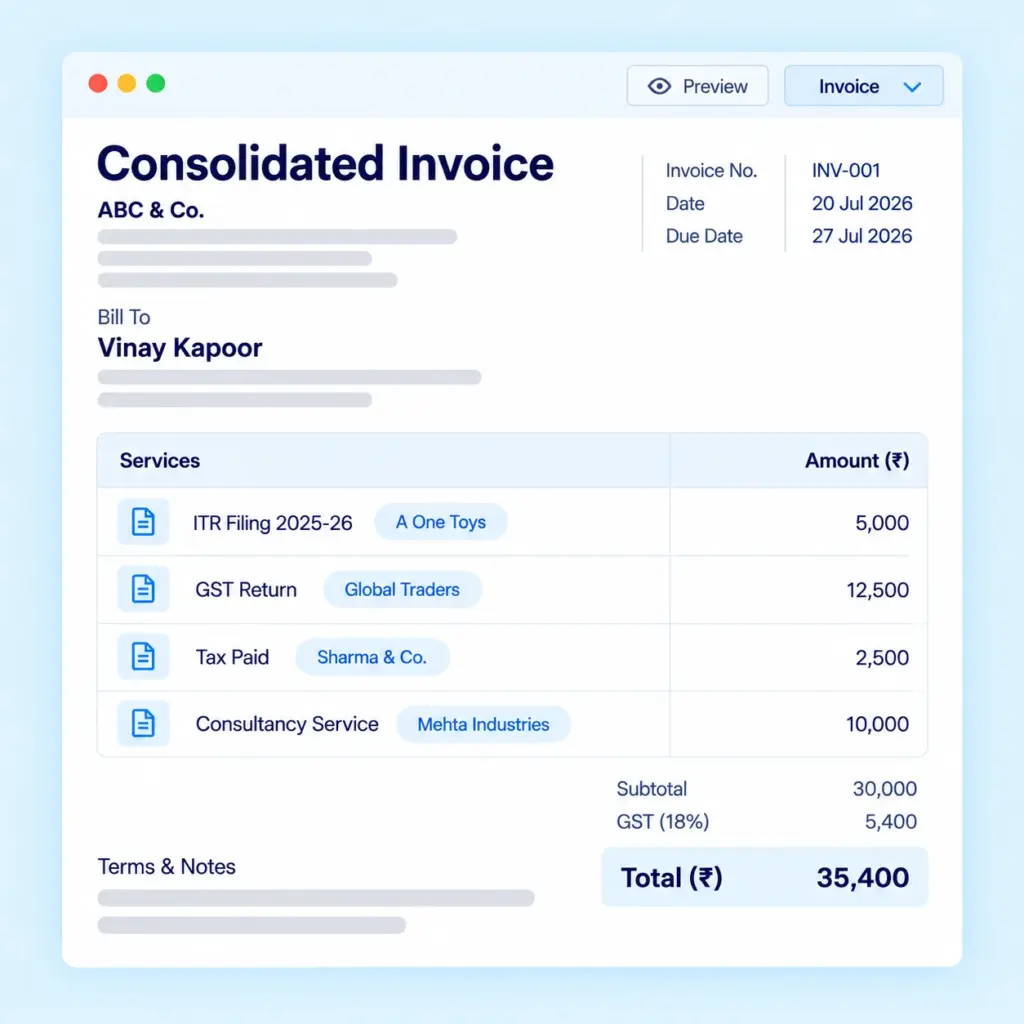
Consolidated Invoicing
Simplify billing with consolidated invoicing in Practive. Create a single invoice for multiple clients, bringing billing information together in one place and making invoice management more efficient.
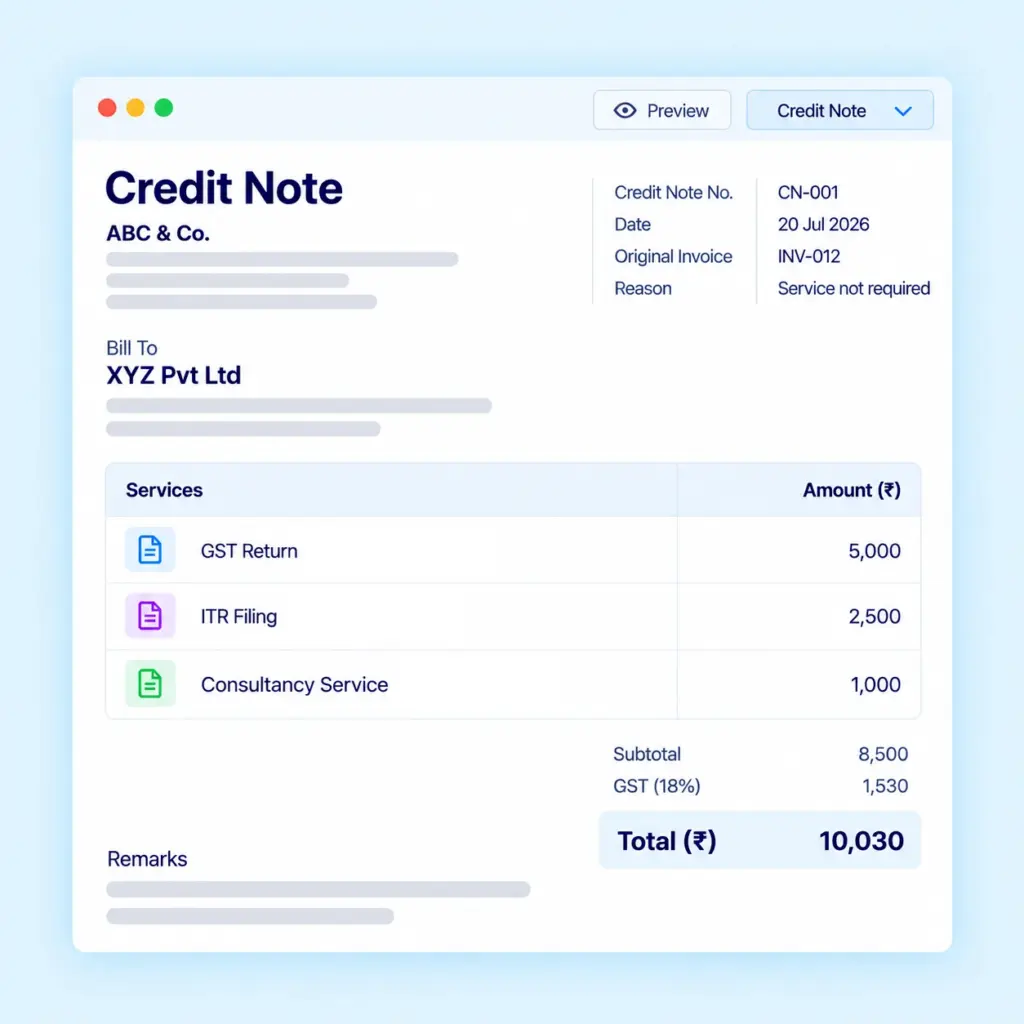
Create Credit Notes
Create credit notes against invoices to maintain clear billing records and document invoice adjustments. Keep related billing information organized for future reference.
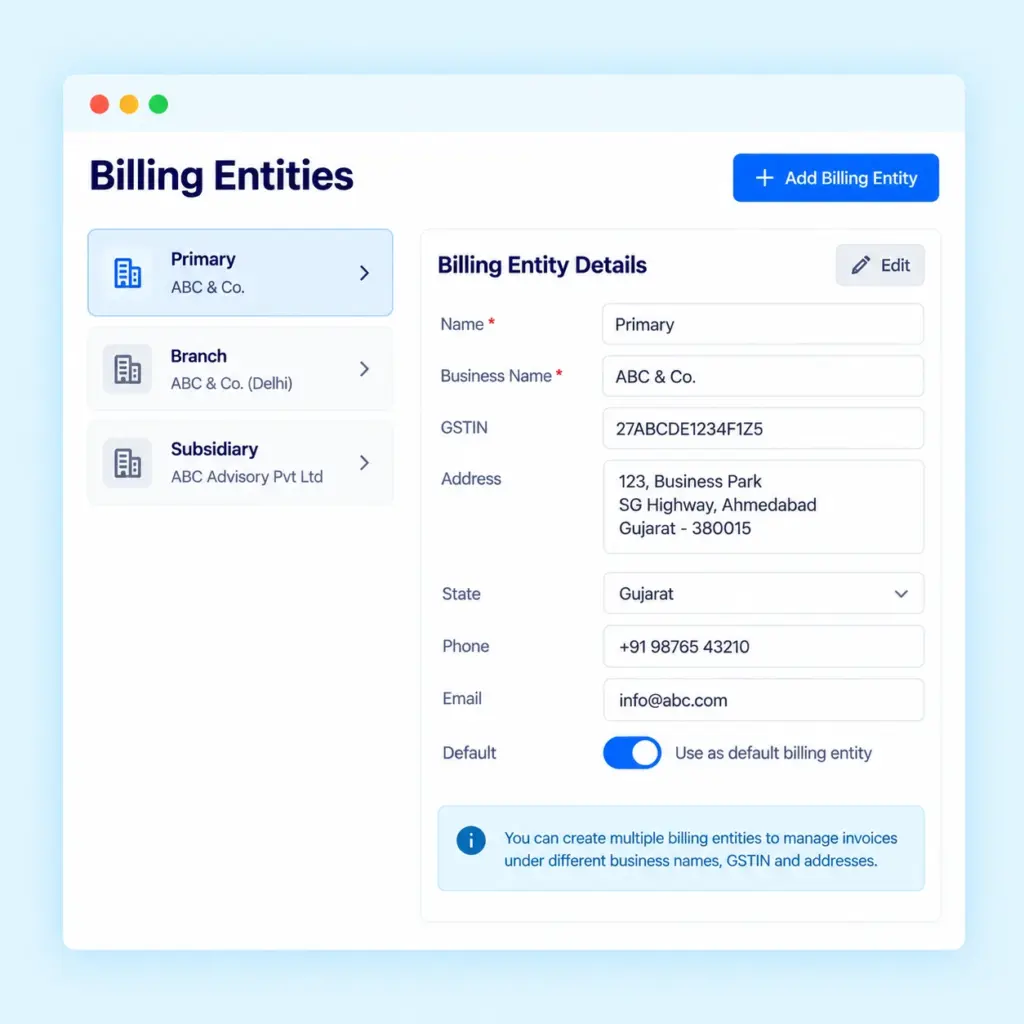
Manage Multiple Billing Entities
If your firm operates through multiple billing entities, Practive lets you add and manage them from one dashboard. Organize billing according to the relevant entity and your firm’s billing requirements.
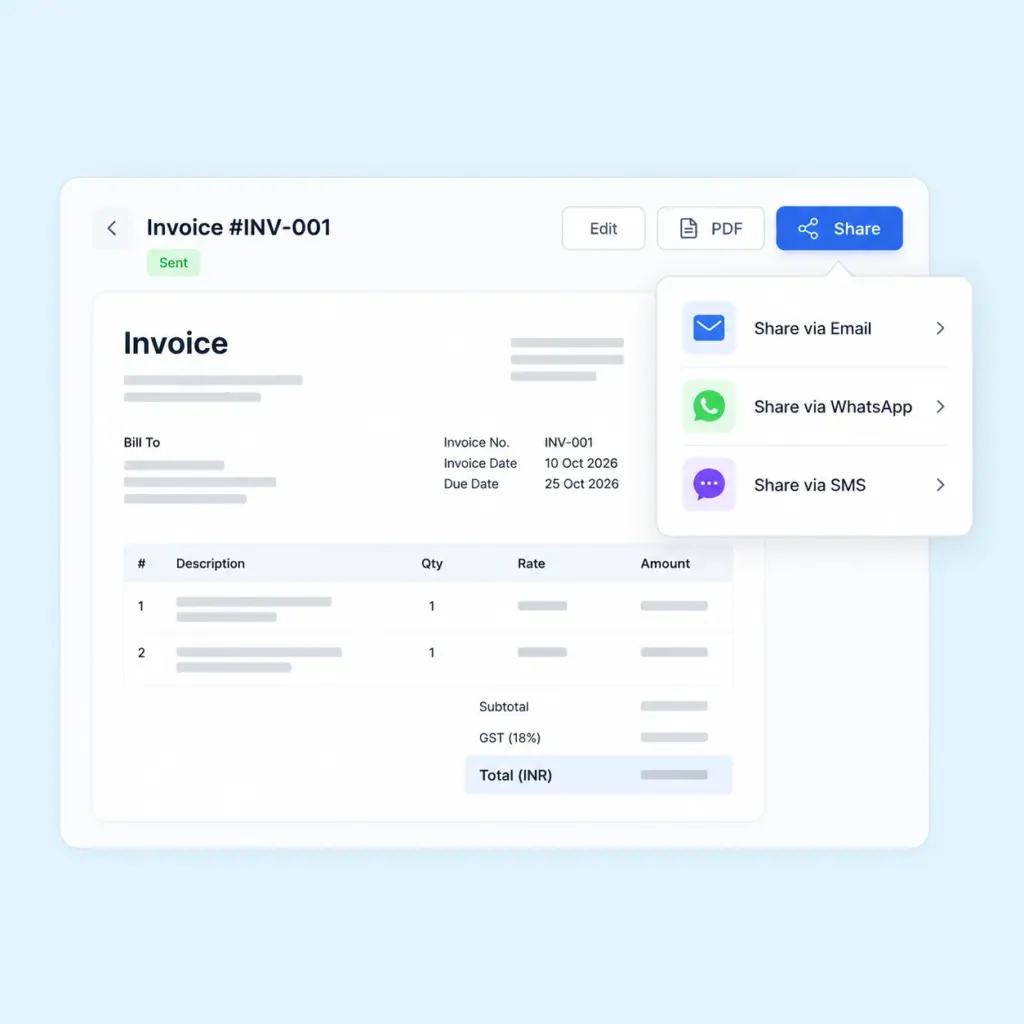
Quick Share Invoice
Share invoices with clients instantly via email, SMS, or WhatsApp by clicking the Share button.
Smart Receipt Management
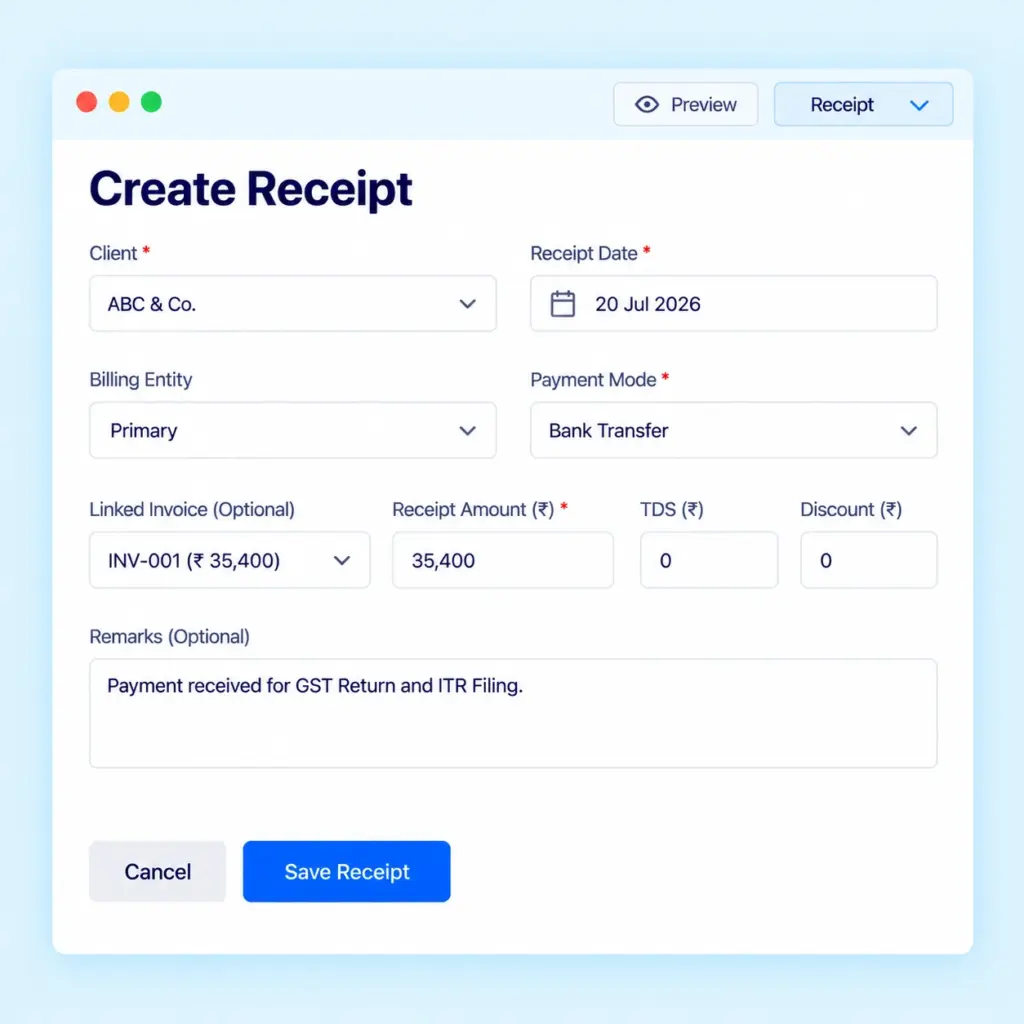
Recording payments accurately is an important part of managing client accounts. Practive helps you create receipts, record payment details and track how received amounts are adjusted against invoices.
Create Payment Receipts
Generate receipts with the required payment details and maintain records of amounts received from clients.
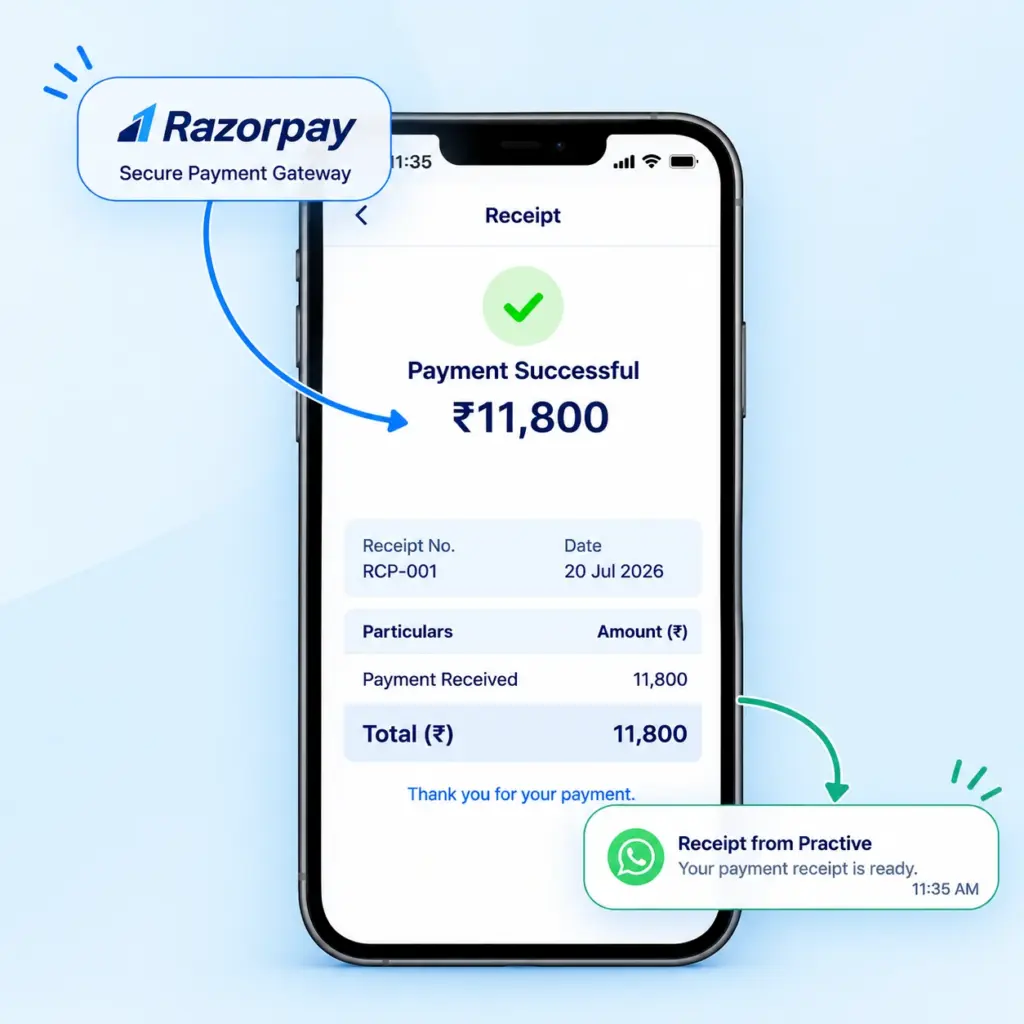
Automate Payment Receipts
When clients make payments through a supported payment gateway, receipts can be created automatically according to the configured payment workflow.
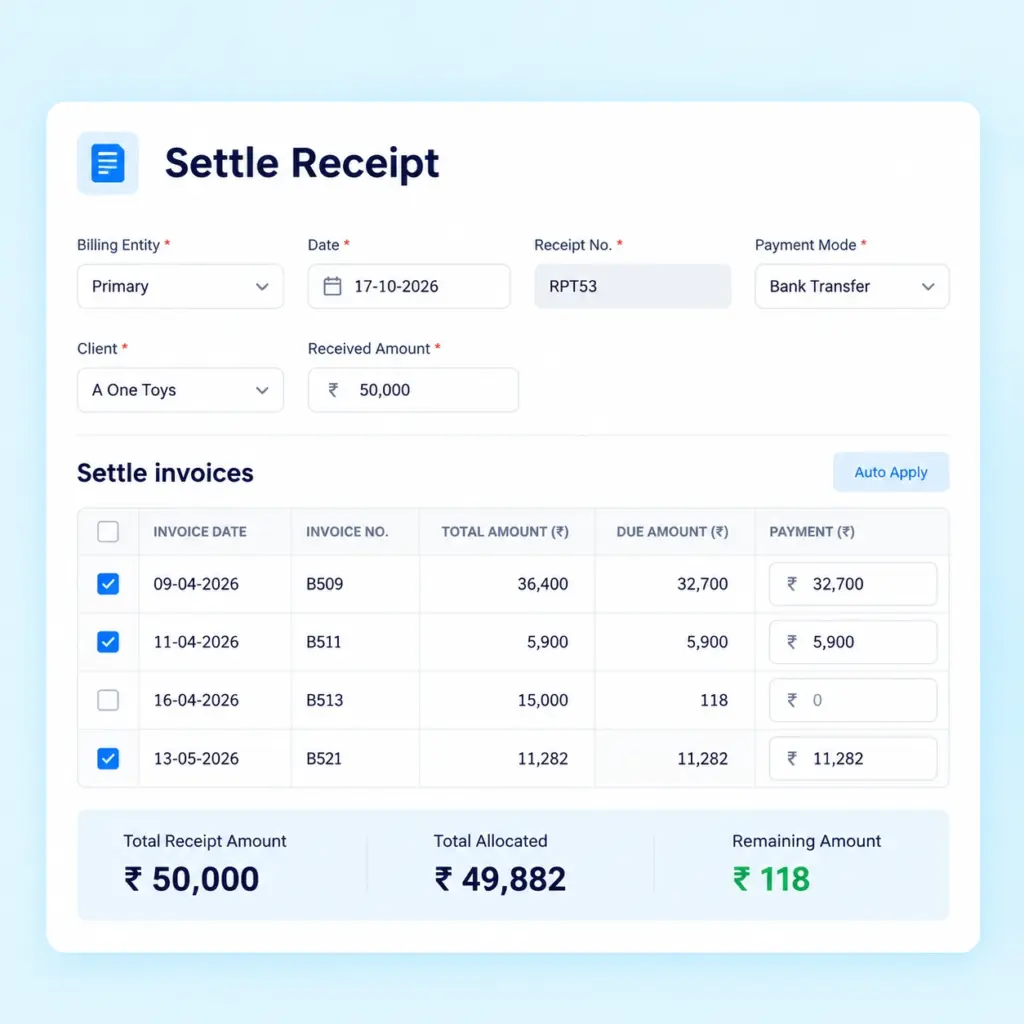
Settle Receipts Against Invoices
Adjust receipt amounts against relevant invoices to track settlement status and understand which invoices have been paid or remain outstanding.
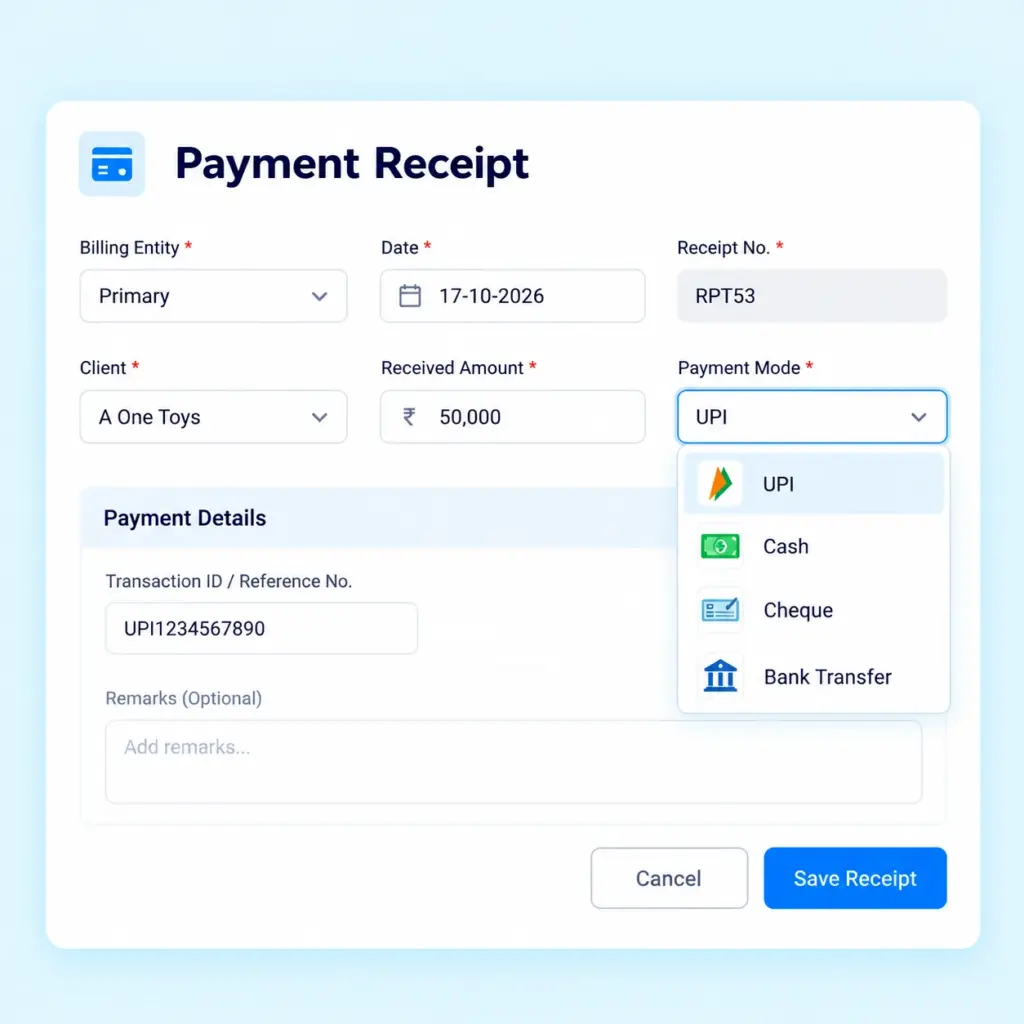
Manage Different Payment Modes
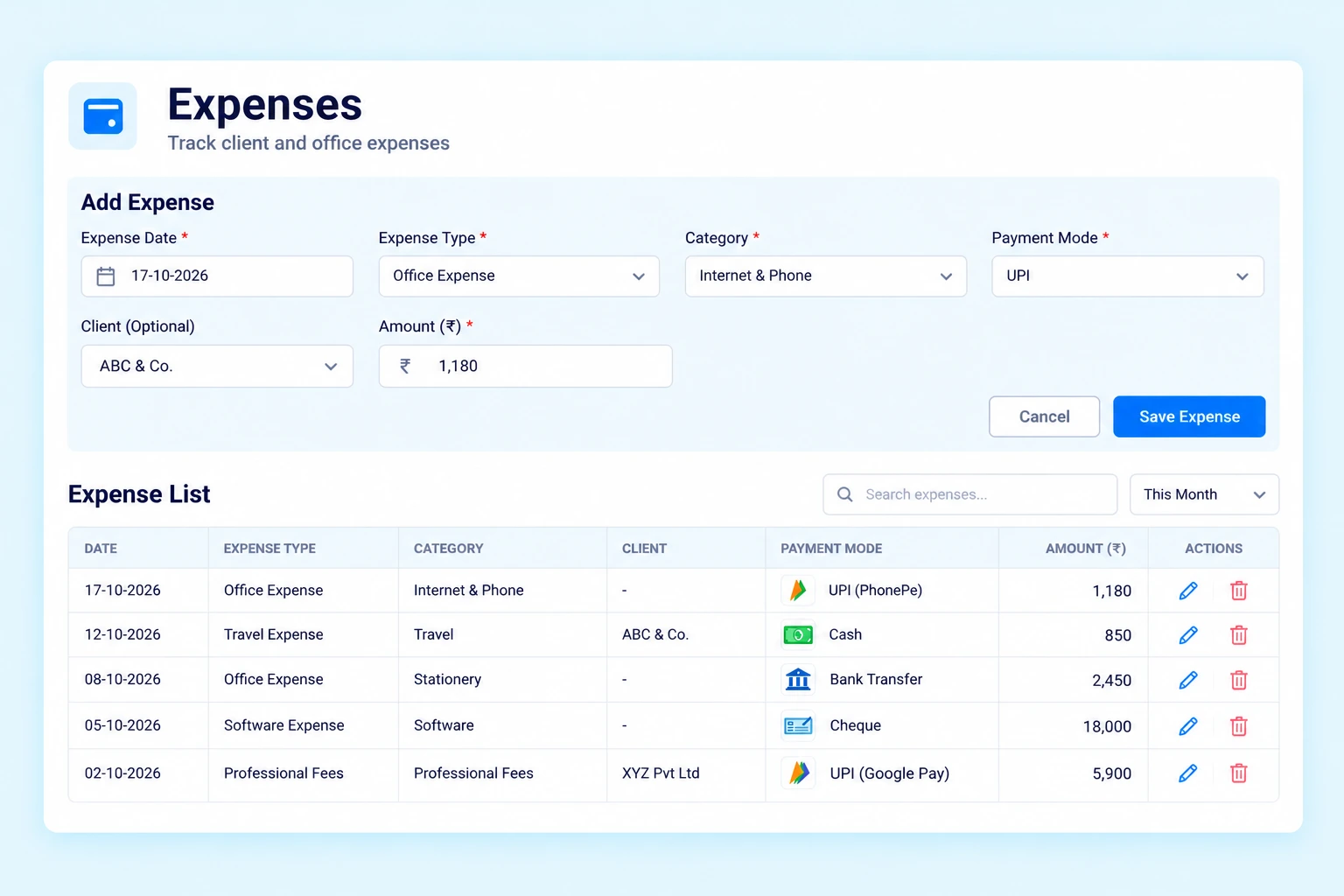
Record payment methods used by clients, including cash, UPI, cheque, and bank transfer. Maintain organized payment records according to your firm’s requirements.
Track Client and Office Expenses
Manage expenses alongside your firm’s billing activities. Practive helps you record expense details and organize supporting information for client-related and internal office spending.
Manage Client Expenses
Record expenses paid on behalf of clients and include eligible expenses in invoices when required.
Record Office Expenses
Maintain records of internal office expenses to get a clearer view of your firm's spending.
Organize Expenses by Category
Create and manage expense categories to classify entries and make expense records easier to review.
Attach Supporting Documents
Maintain relevant expense details and attachments alongside expense entries to keep supporting information organized.
Essential Billing Tools for CA Firms
Practive includes additional billing tools to help you review client accounts, prepare quotations, export data and collect payments online.
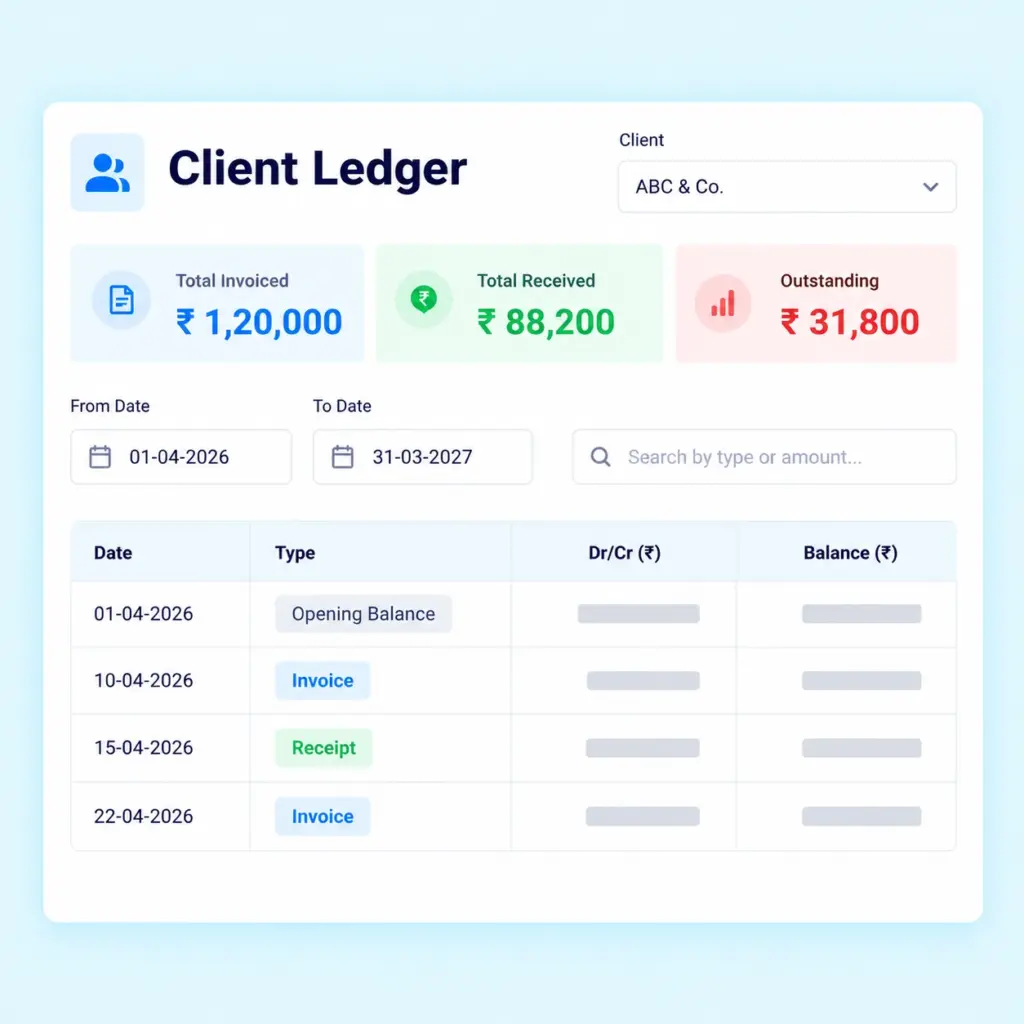
Client Ledger
Select a date range to view client ledger information. You can also print or download ledgers for your records and review relevant client transactions.
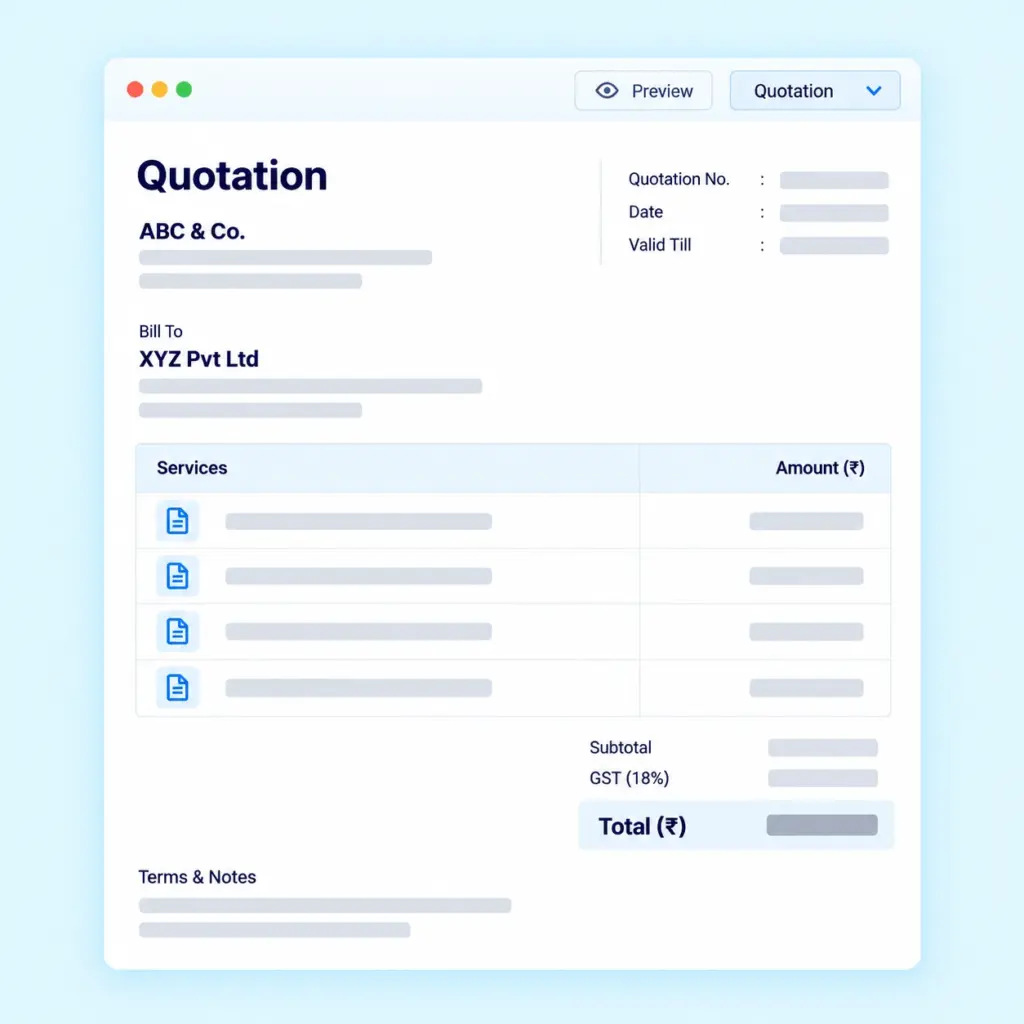
Quotations and Proforma Invoices
Create professional quotations, including proforma invoices, and track their status as accepted or rejected.
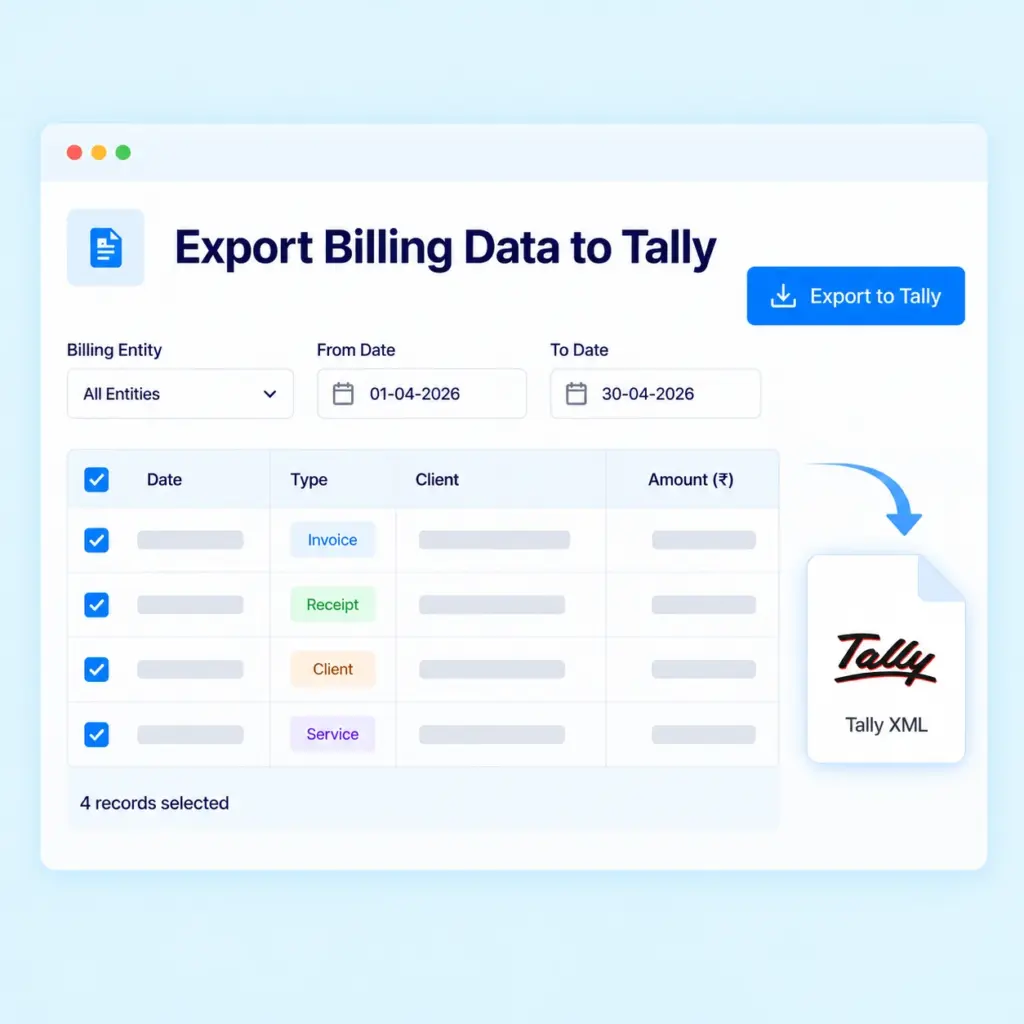
Export Billing Data to Tally
Export supported billing data in XML format for import into Tally. The export workflow supports clients, services, invoices and receipts, helping you transfer relevant records into your Tally environment.
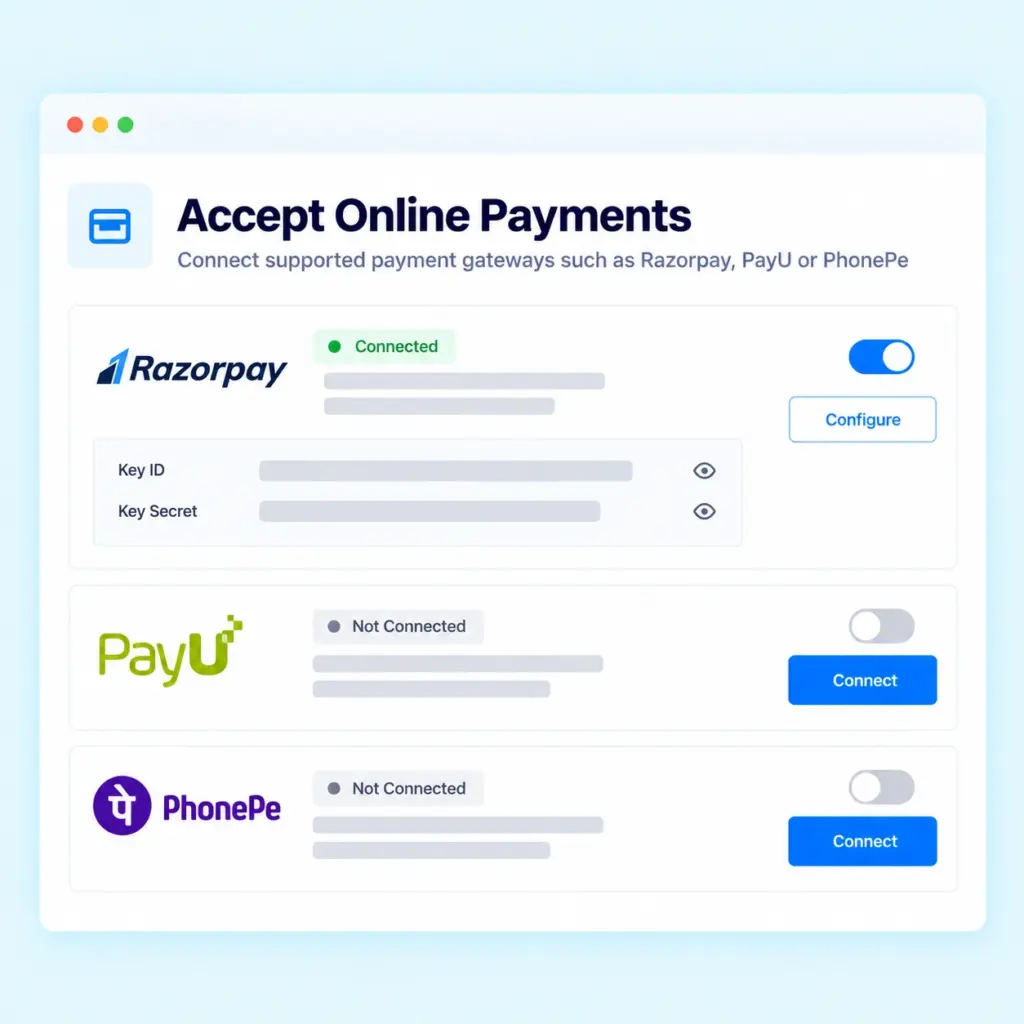
Accept Online Payments
Connect supported payment gateways such as Razorpay, PayU or PhonePe to accept online payments from clients. Online payments can help simplify collection and connect payment activity with your billing workflow.
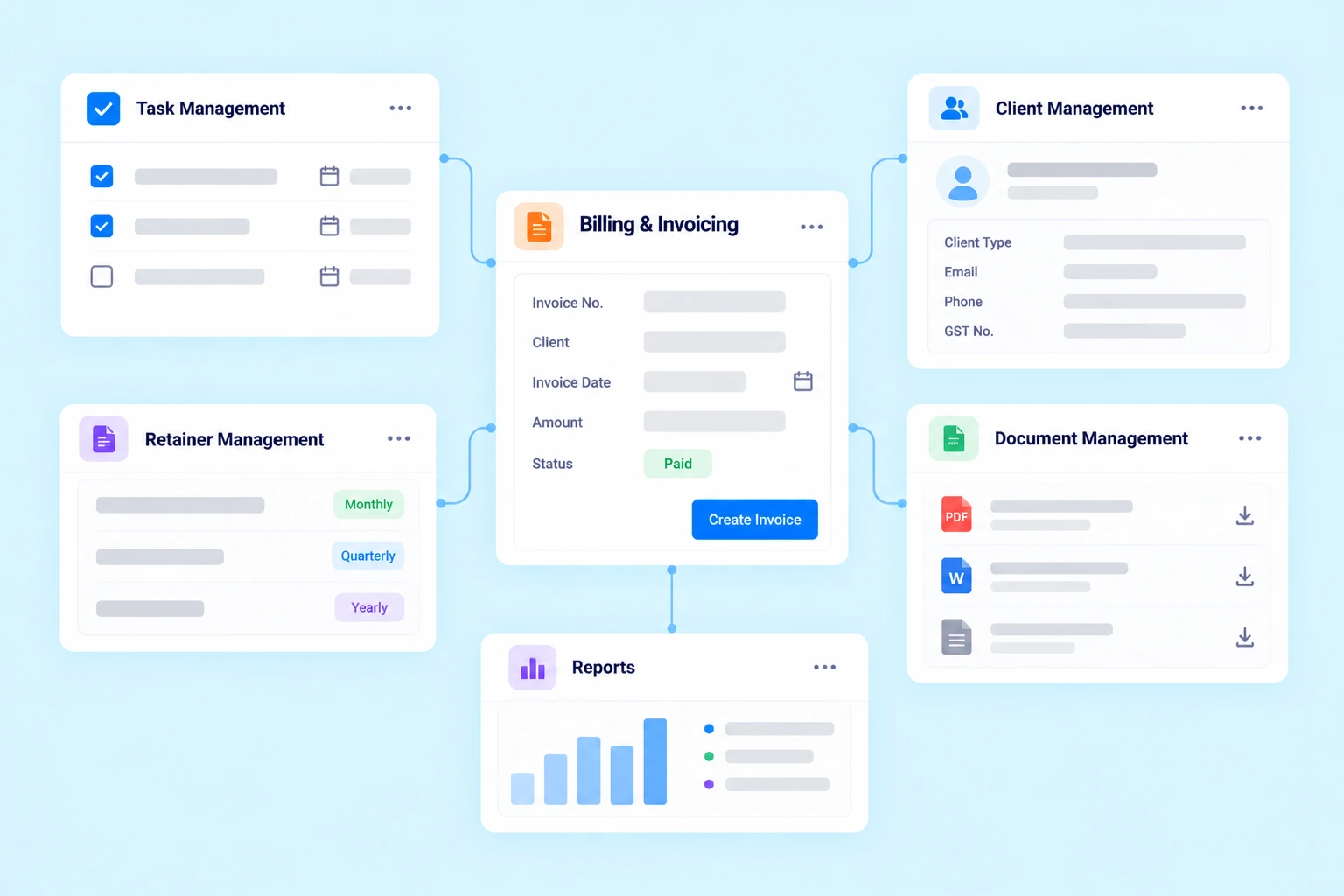
Connect Billing With Your CA Firm's Workflow
Billing is closely connected with the services you provide, the work your team completes and the expenses you manage. Practive connects billing with other features of CA Practice Management Software.
Task Management
Connect billing with task-based work, instant invoice generation on task completion and bulk invoicing for selected tasks.
Organize client and task-related documents alongside your firm’s work.
Reports
Review available billing information and related activity to maintain better visibility into your firm’s operations. This connected workflow helps reduce dependence on separate records for client work and billing.
Why Use Billing Software for Your CA Firm
Reduce Manual Invoice Creation
Create invoices efficiently using instant invoice generation, bulk invoicing and configured automatic billing workflows.
Keep Billing Records Organized
Manage invoices, receipts, credit notes, quotations and expenses in one platform.
Track Payments and Outstanding Amounts
Settle receipts against invoices and review relevant client billing information.
Simplify Expense Tracking
Organize client expenses and internal office spending with categories and supporting details.
Improve Client Account Visibility
Use client ledgers and billing records to review relevant transactions.
Connect Billing With Your Work
Manage billing alongside client services, tasks and retainer arrangements.
Frequently asked questions
What is billing and invoicing software for CA firms?
Billing and invoicing software helps Chartered Accountants manage invoices, receipts, expenses, quotations, client balances and payment records through a centralized system.
Can I create invoices for tasks and expenses in Practive?
Yes. Practive supports invoices for tasks, packages, expenses and custom billing entries.
Does Practive support instant invoice generation?
Yes. Practive can generate invoices instantly when tasks are completed, helping CA firms reduce manual billing work.
Can I generate invoices for multiple tasks at once?
Yes. Practive lets you select multiple tasks and generate invoices in just two clicks, simplifying billing for multiple assignments.
Does Practive support automatic invoice generation?
Yes. Practive supports configured automatic billing schedules and invoice generation based on task-completion conditions in applicable workflows.
Can I create consolidated invoices?
Yes, you can create a single consolidated invoice for multiple clients through supported Billing Profile configurations, helping simplify billing and keep invoice records organized.
Can I manage receipts and invoice settlements?
Yes. You can create receipts, record payment modes and settle receipt amounts against invoices to track billing status.