
Stay Organized, Stay Ahead
Manage your work easily and make sure nothing gets missed. From creating and assigning tasks to automating recurring workand tracking progress, Practive helps Chartered Accountants and accounting firms in India manage their tasks from one centralized platform.

TRUSTED BY 2,000+ CHARTERED ACCOUNTANTS
CA firms manage multiple clients, recurring compliance assignments, deadlines and team responsibilities every day. Tracking this work manually can make it difficult to organize assignments and keep everyone updated.
Practive helps you create tasks, assign responsibilities, set deadlines and organize task-related information in one place.
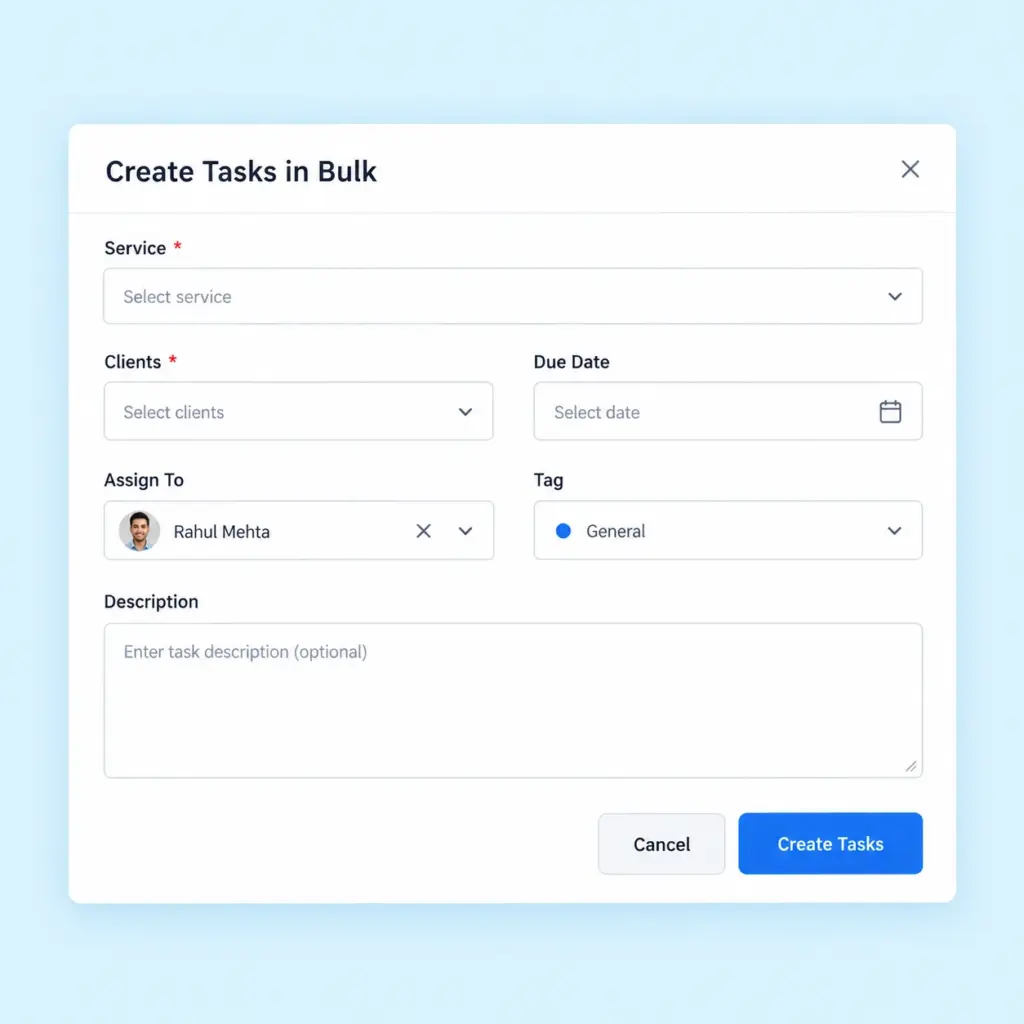
Create tasks efficiently without repeating the same process for multiple clients. Practive supports bulk task creation and bulk client selection, helping you organize similar assignments across your client base.
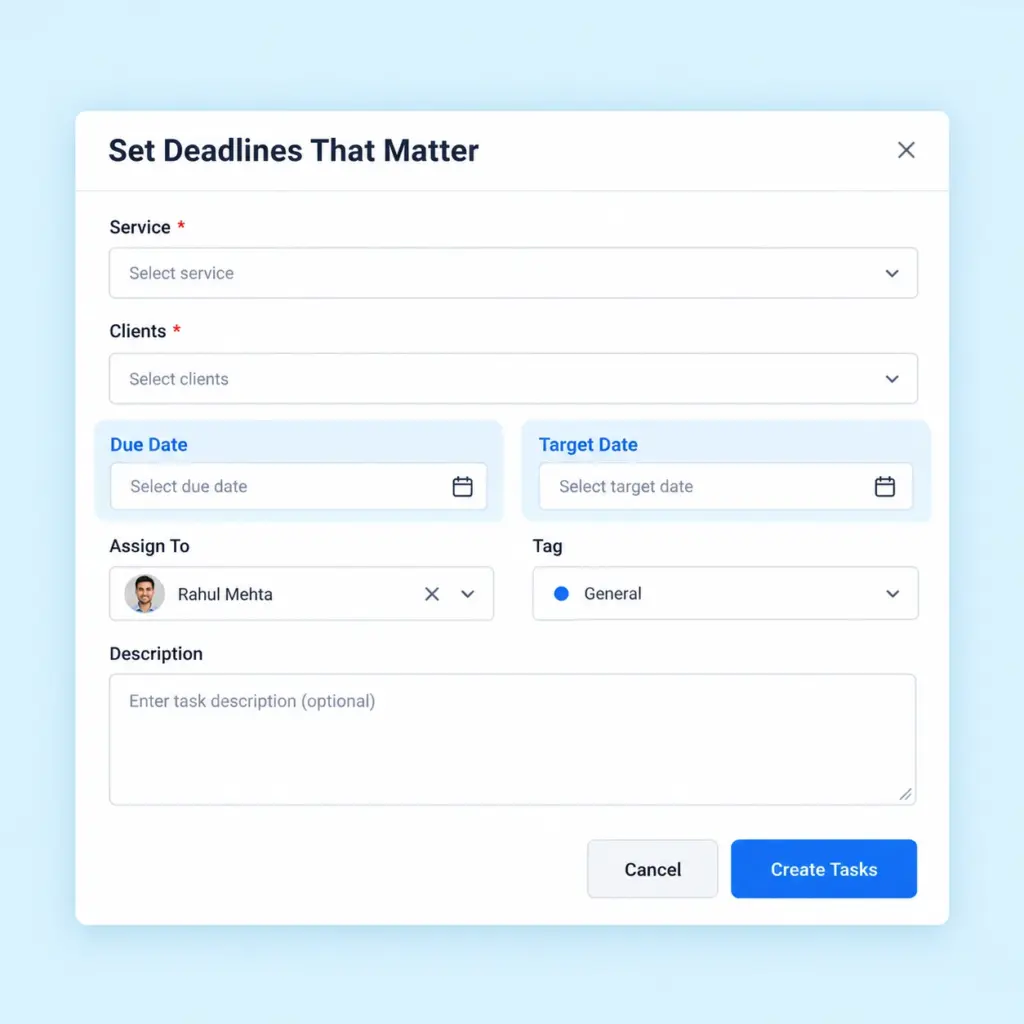
Set target dates and due dates for your tasks. Keep important dates visible so your team can organize priorities and monitor work that needs attention.
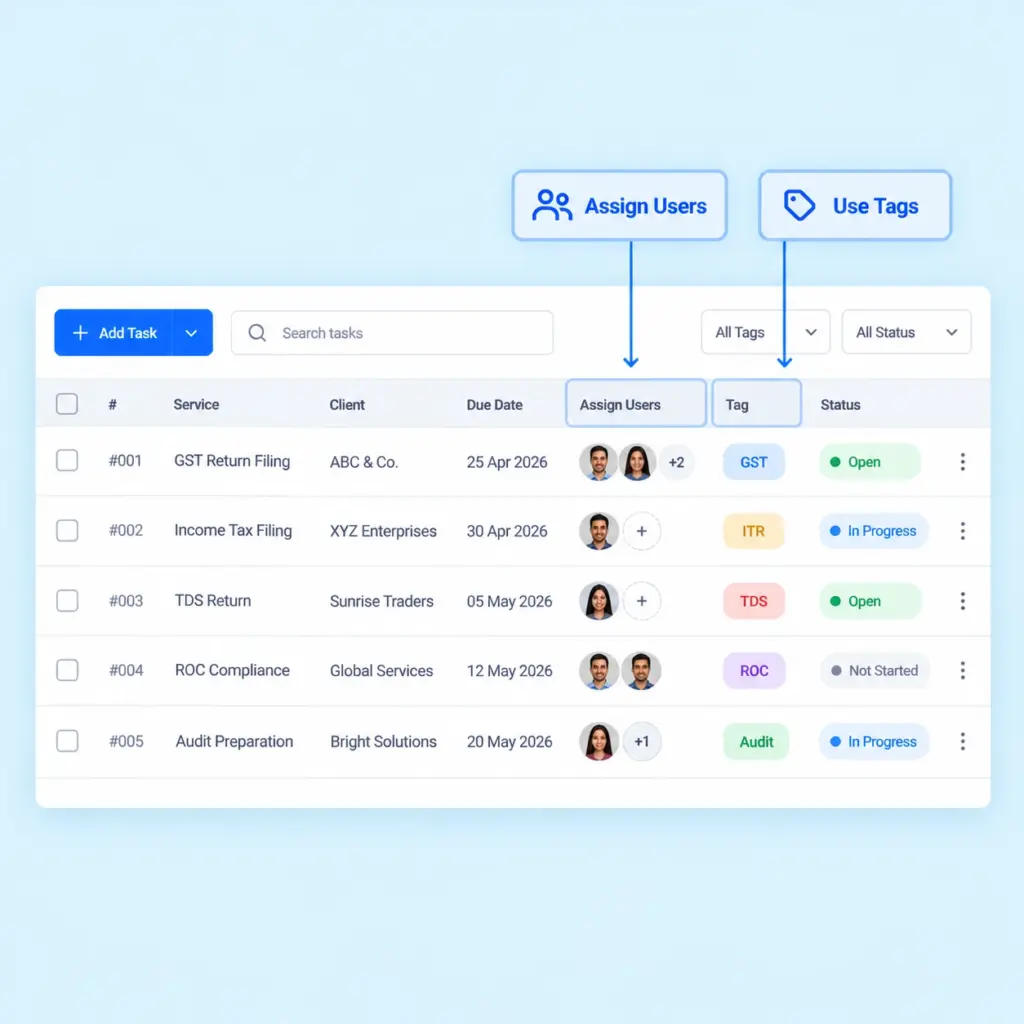
Assign tasks to the relevant team members and use tags to categorize, filter and find tasks according to your firm’s workflow.
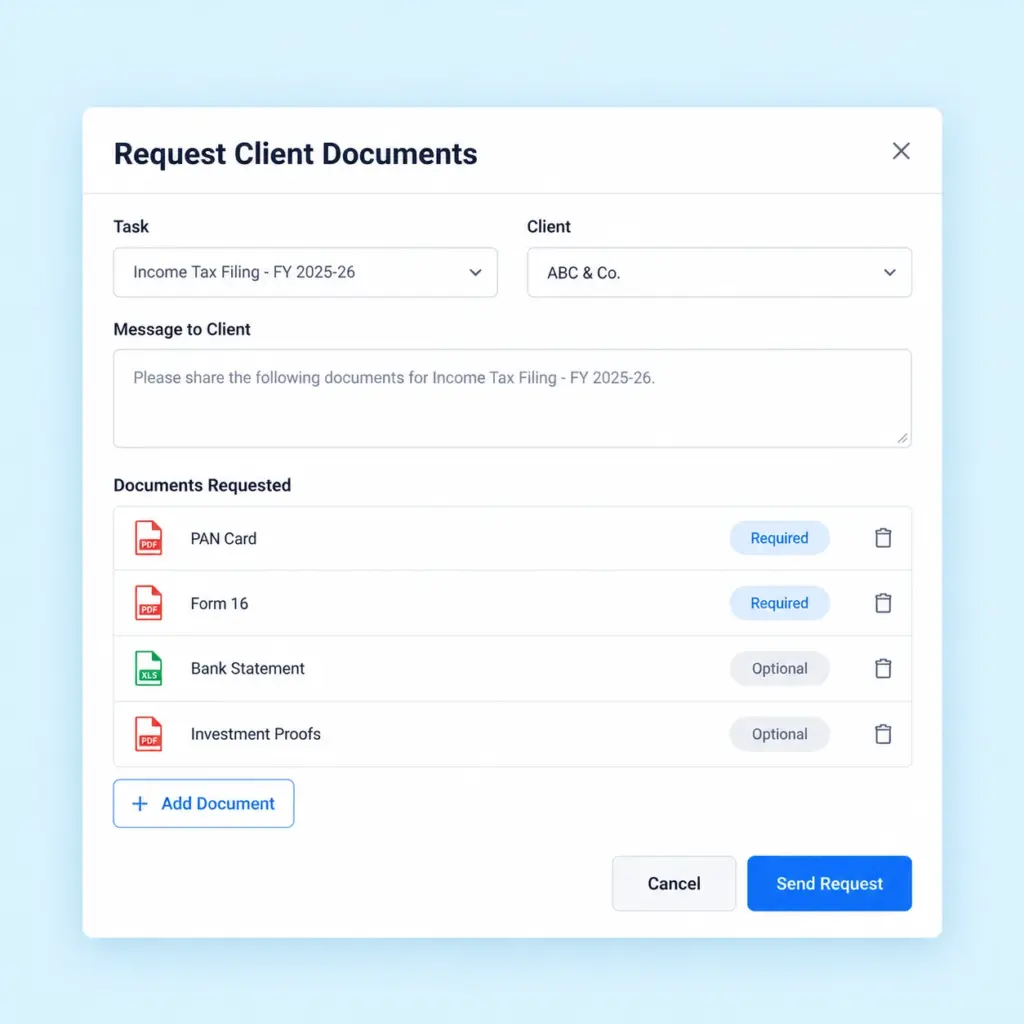
Request the documents required for an assignment directly through the task. Keep document collection connected to the work instead of managing every request separately.
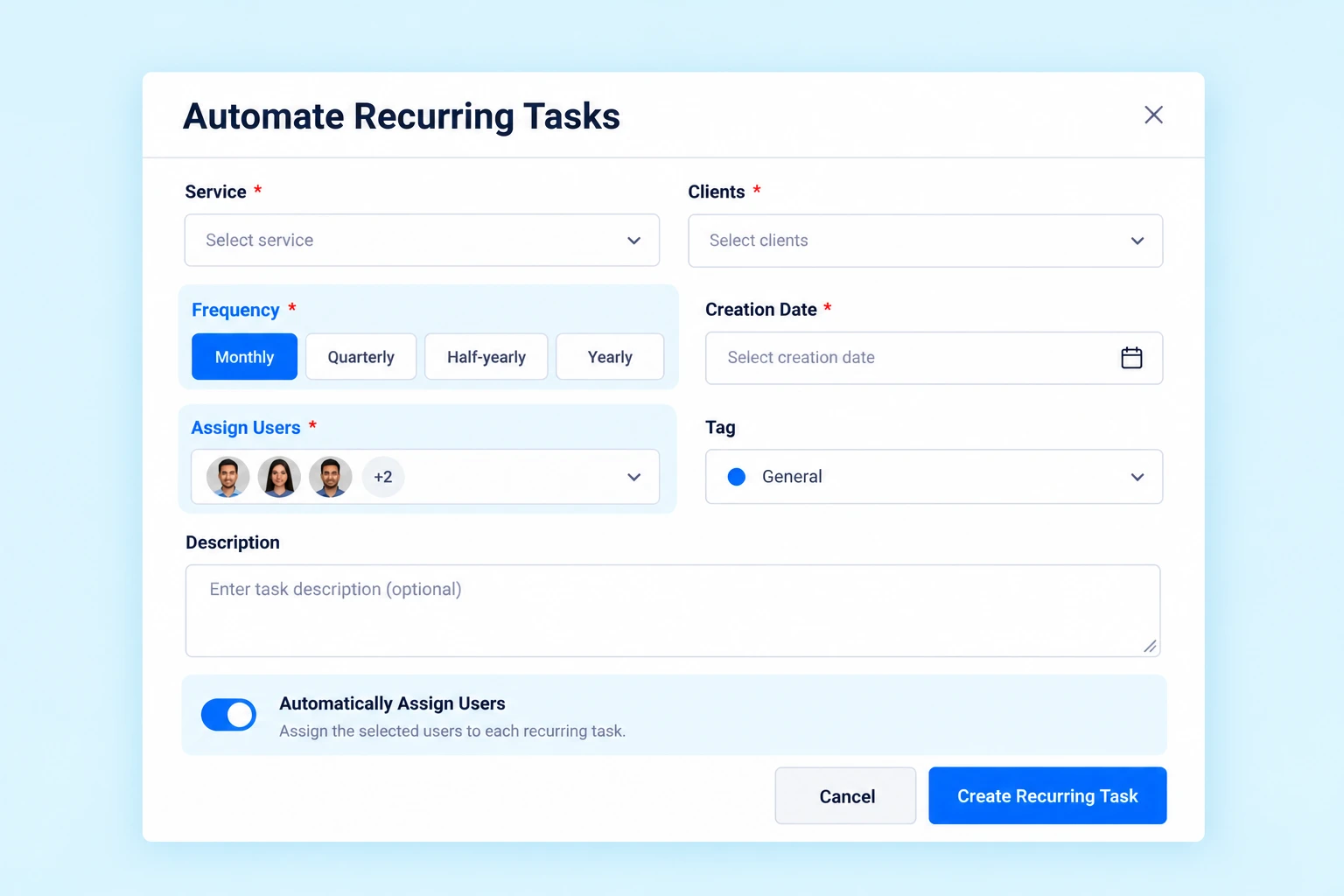
Many CA firm assignments repeat on a monthly, quarterly, half-yearly or yearly basis. Creating these tasks manually every time can add unnecessary administrative work.
Practive lets you configure recurring task schedules so regular assignments can be created automatically according to the selected frequency.
Creating a task is only the beginning. Your team also needs to perform the work, record progress, review completed assignments and manage additional activities.
Practive provides tools to help organize task execution and completion.
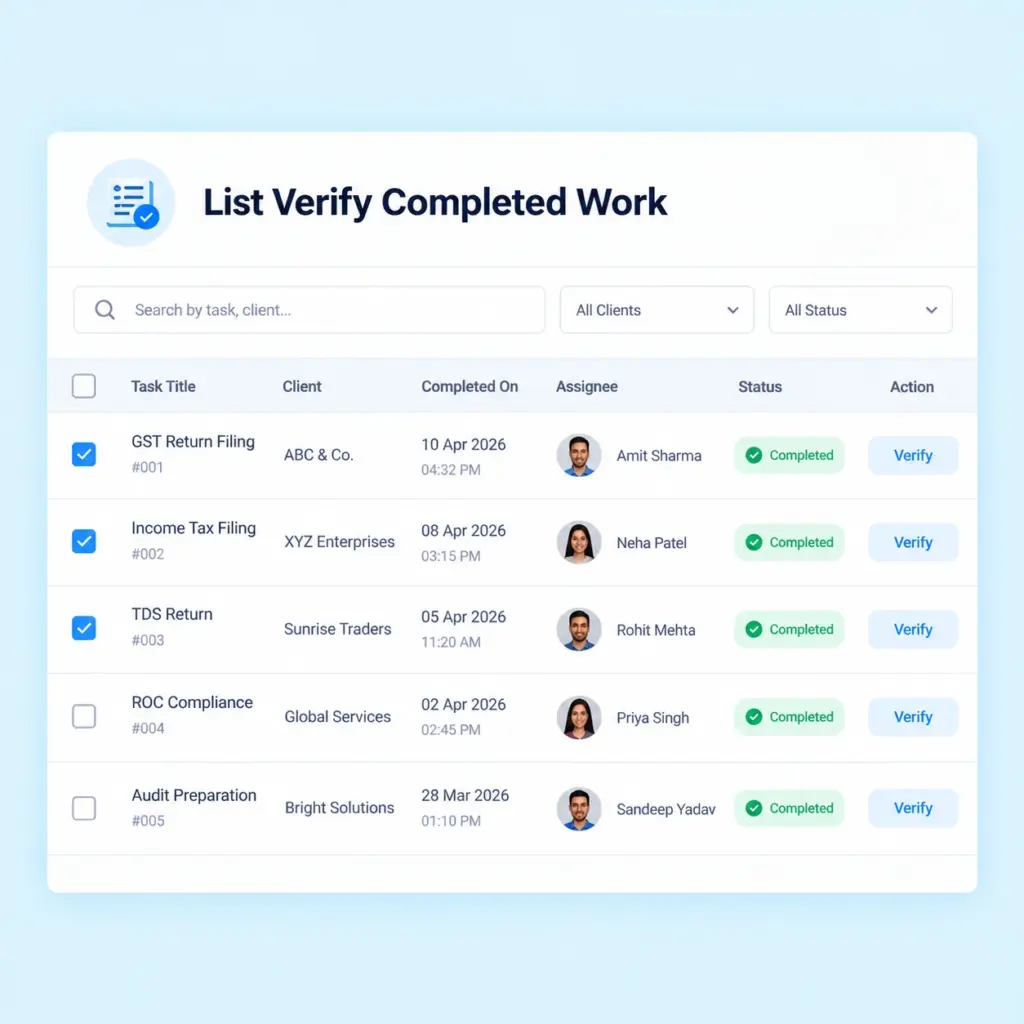
Where review is required, a reviewer can verify and approve a completed task. This supports a review step in your firm’s task workflow.
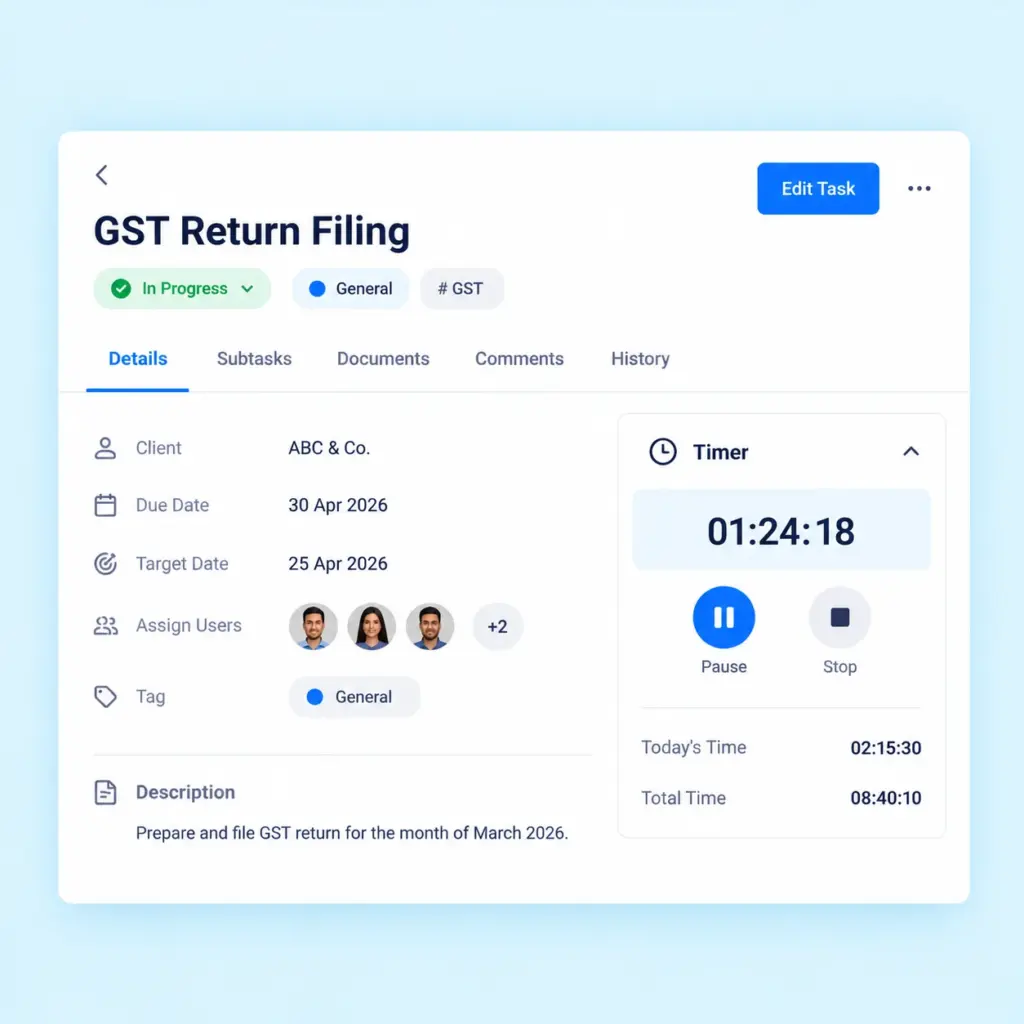
Use the built-in timer to track time spent working on tasks and monitor the effort recorded against assignments. For broader time tracking across client work and internal activities, explore Timesheet.
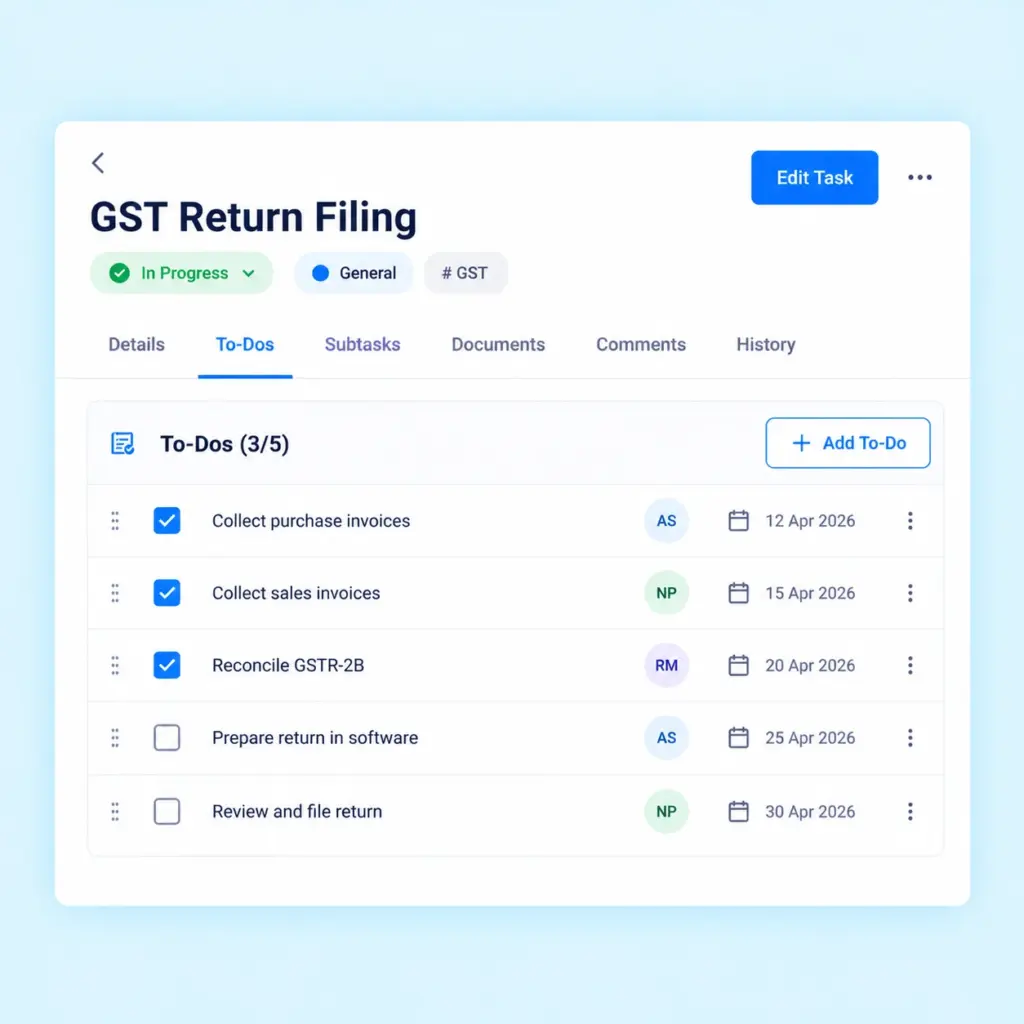
Add To-Dos inside a task to organize additional activities or unexpected work. This helps your team keep smaller action items connected to the main assignment.
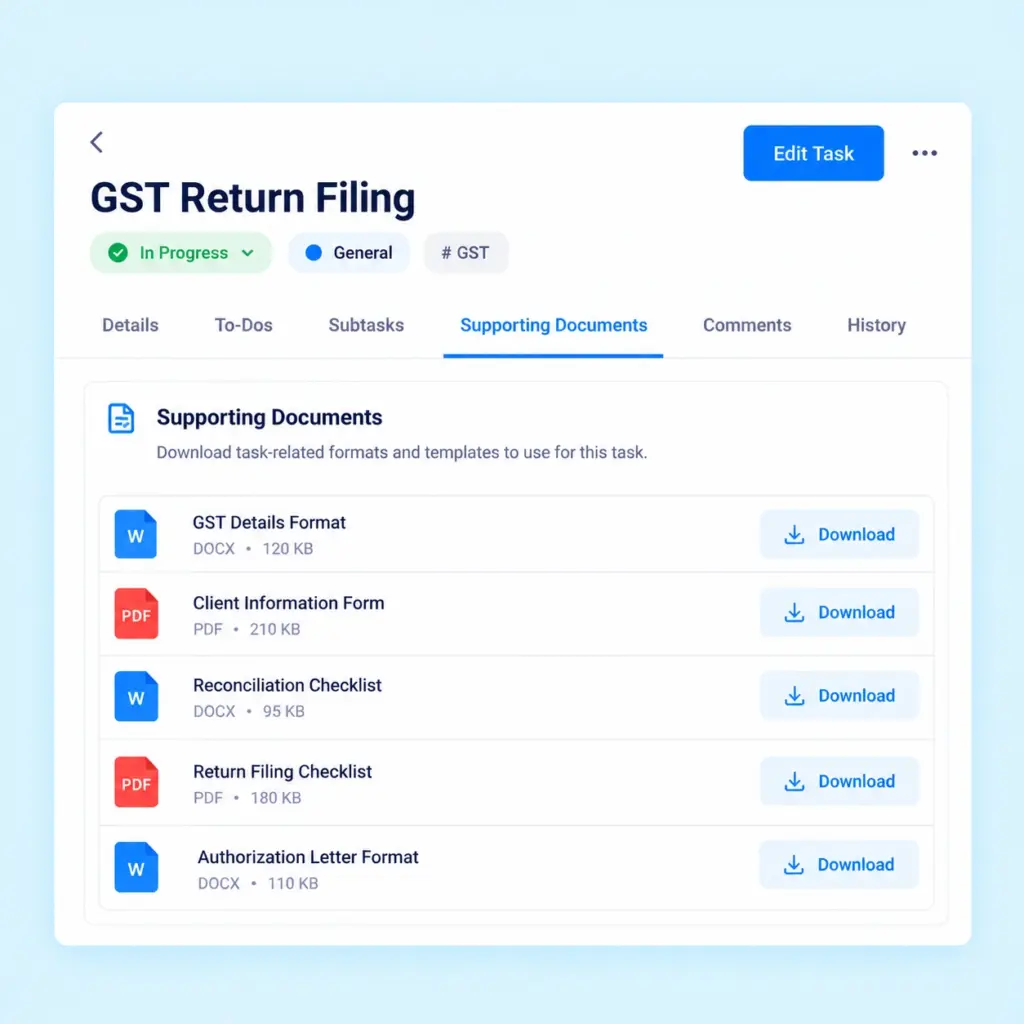
Keep useful formats, templates and supporting files available for task-related work. This helps your team access relevant materials without repeatedly sharing the same files.
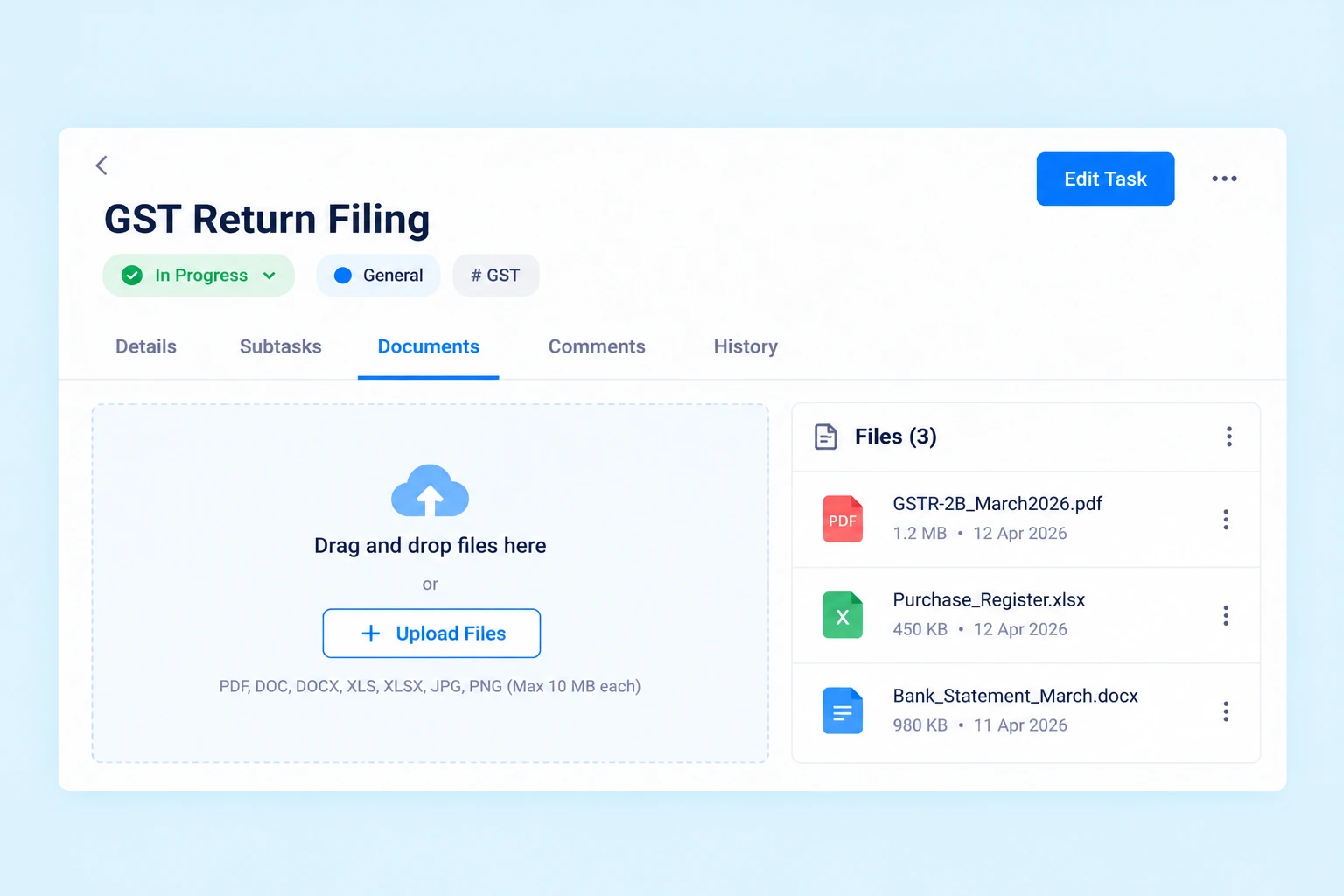
Upload task-related documents directly to a task so your team can easily find and access the files they need while working on an assignment.
Clients can also download task-related documents through the supported workflow, making it easier to share relevant files when needed.
Keep documents organized with their respective tasks and reduce the time spent searching through folders and conversations.
Every CA assignment may require different instructions, steps and supporting information.
Practive provides additional controls to help your team organize work according to its requirements.
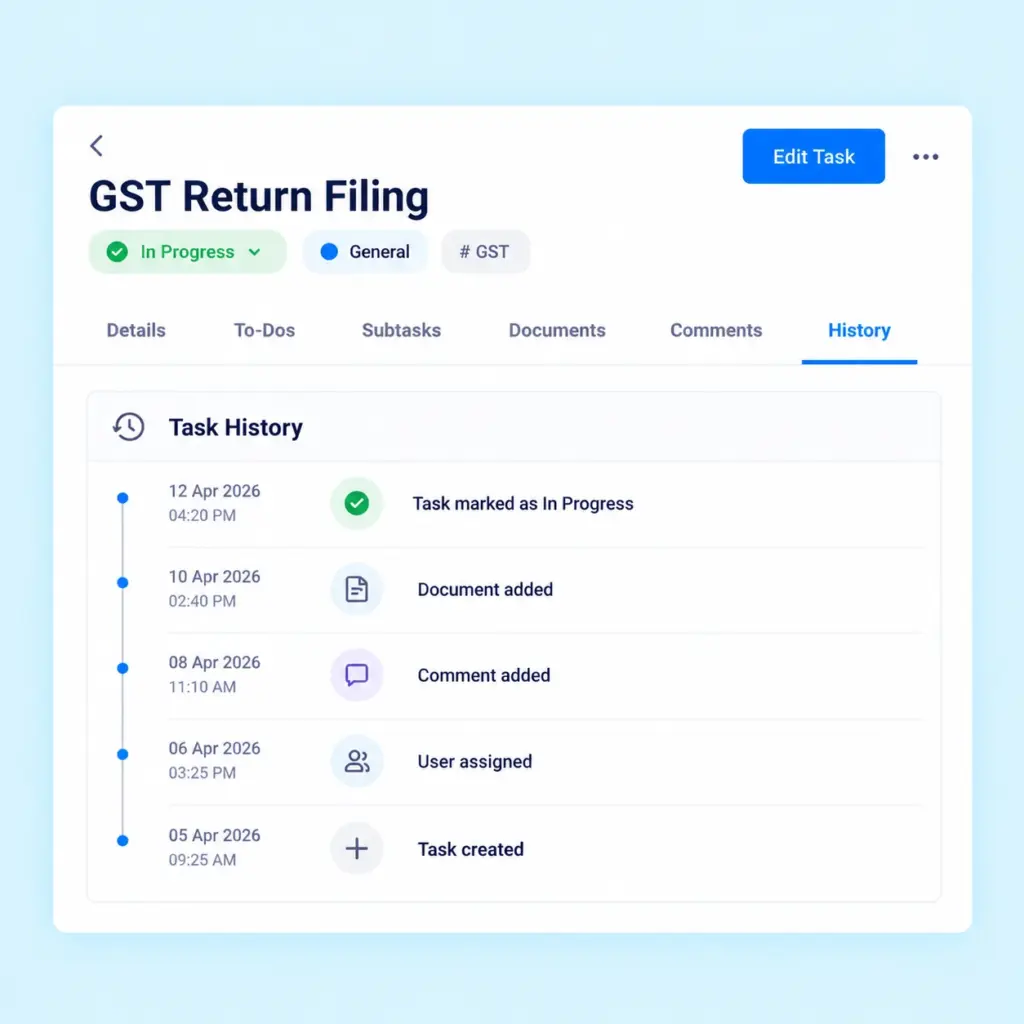
Review past actions and updates associated with a task to understand its activity and follow its progress.
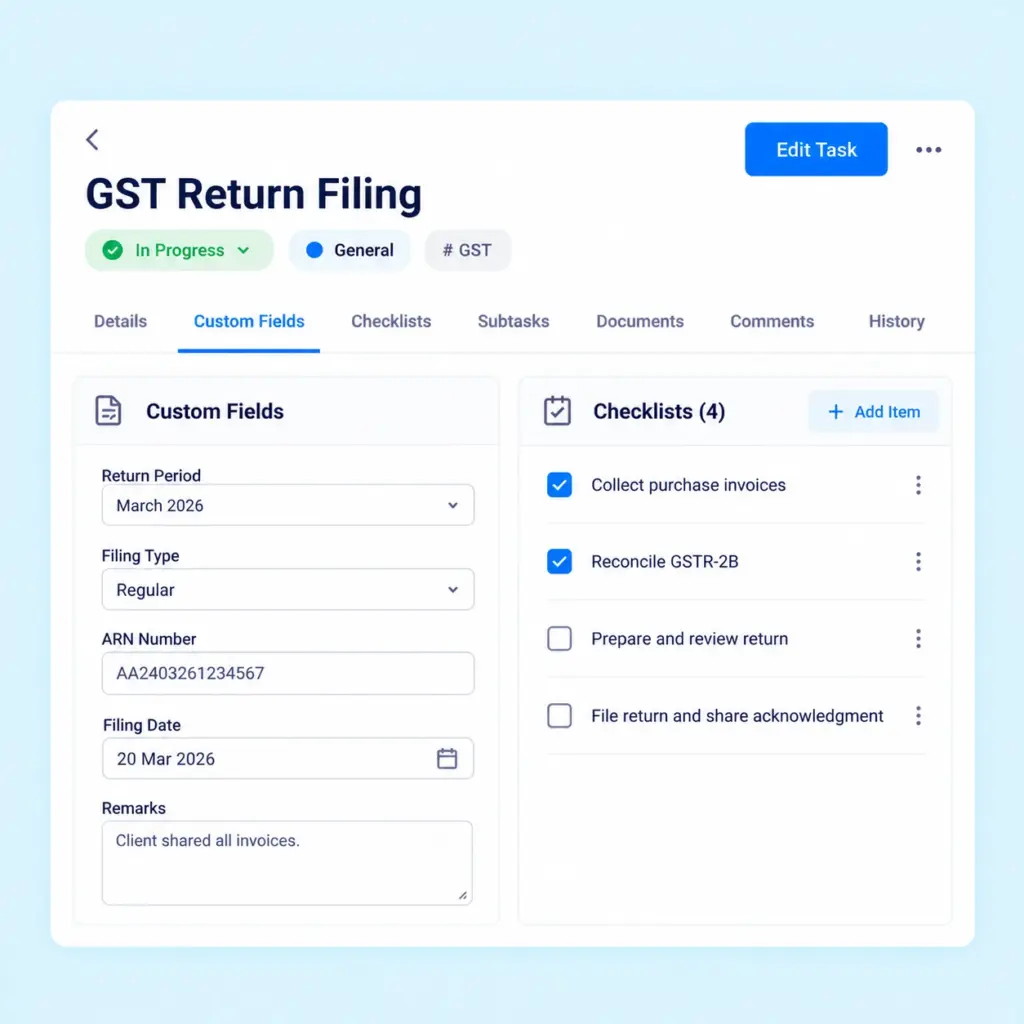
Add custom fields to capture task-specific information according to your firm’s workflow. Use checklists to break processes into clear steps, helping team members follow the required steps while working on an assignment.
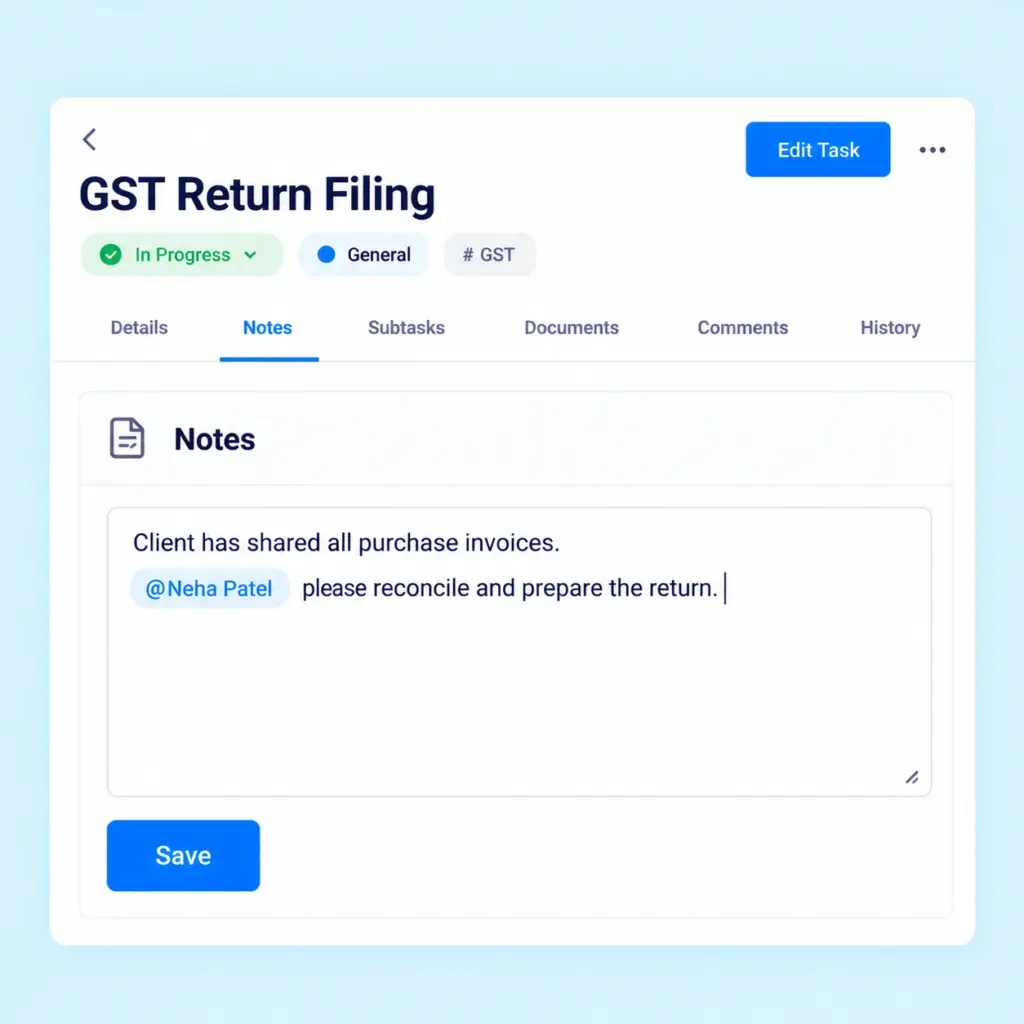
Add remarks, instructions and other relevant information to tasks. Tag team members in notes to notify them when their attention is required.
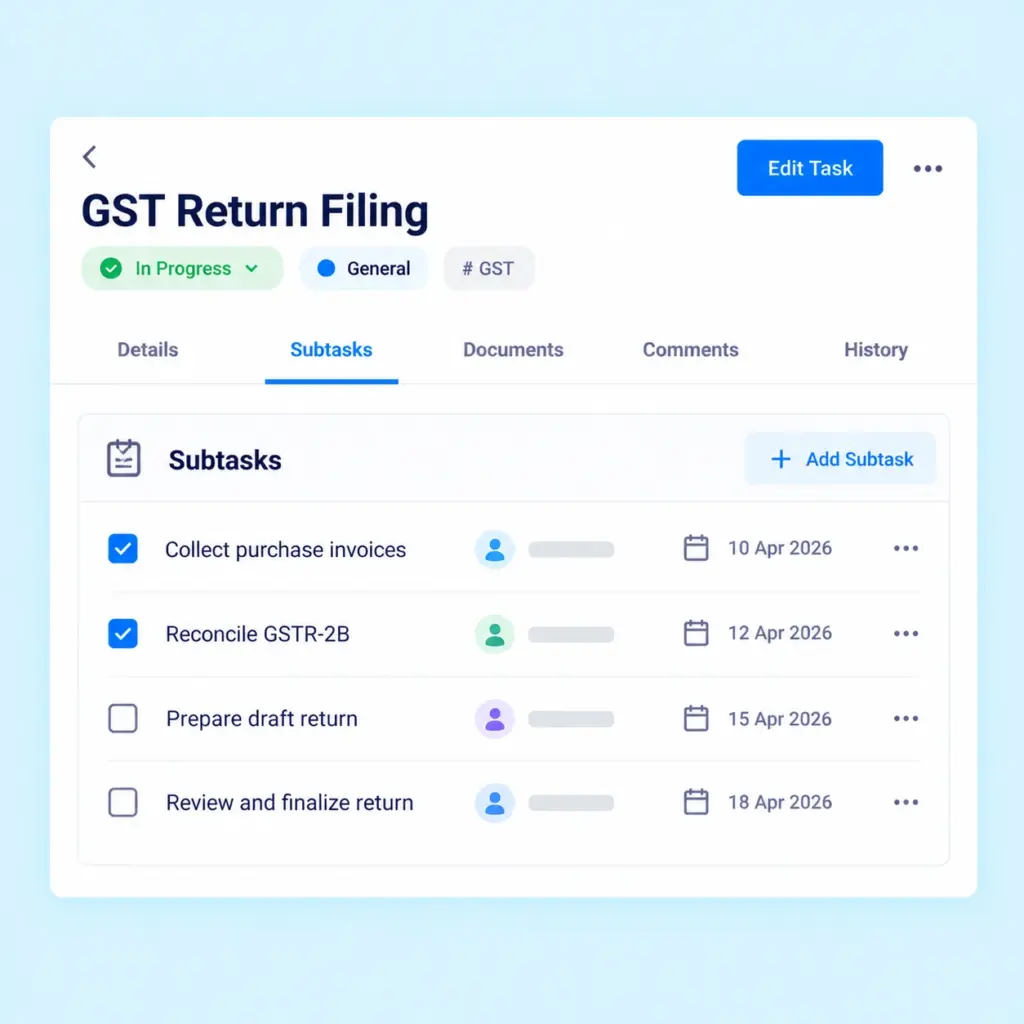
Divide larger assignments into smaller, actionable tasks and assign them to the appropriate users. Practive also supports recurring subtasks to help organize work involving repeated steps.
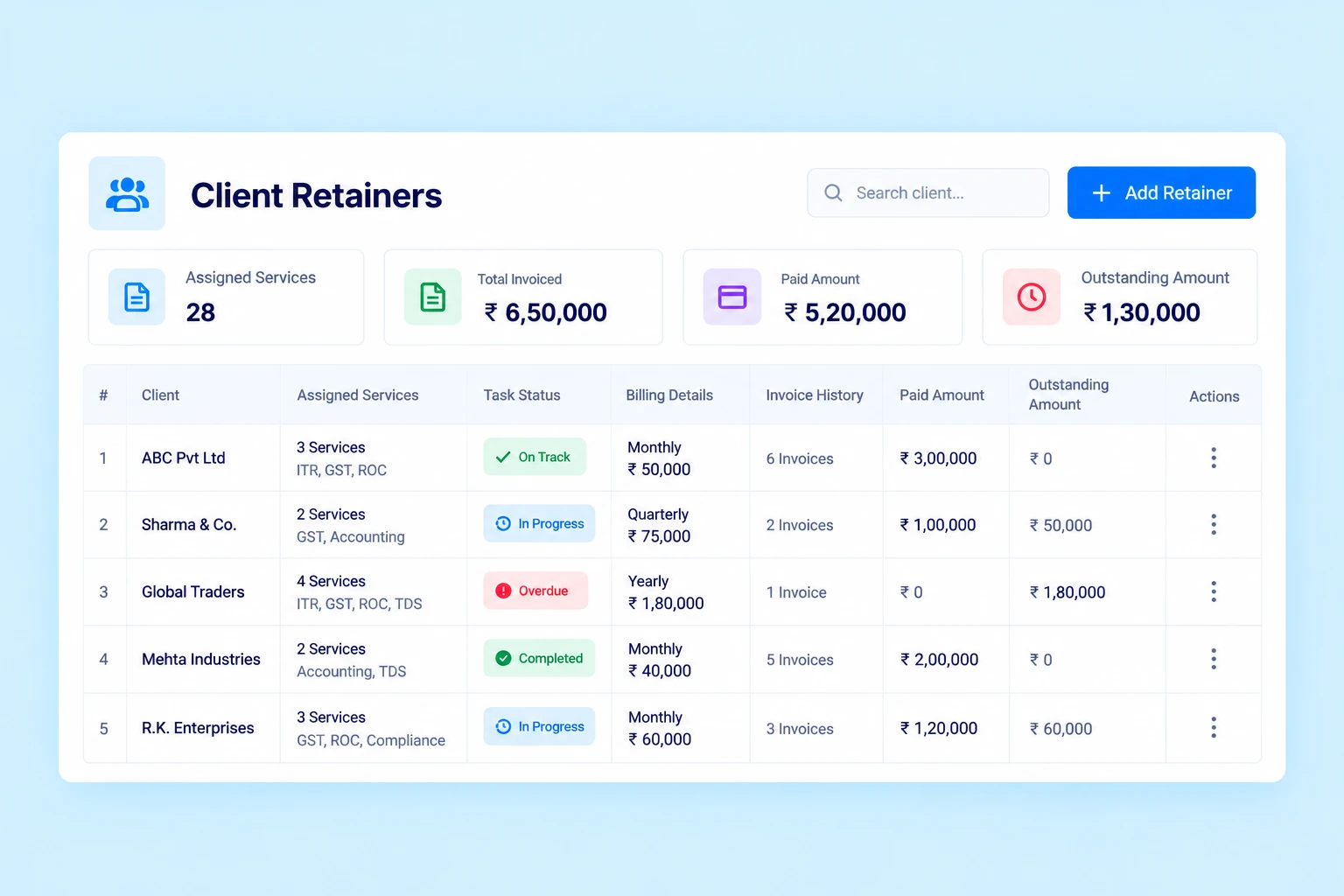
For CA firms offering fixed-fee services, task management may be connected with the retainer agreement and its billing schedule.
Practive helps you manage retainers, organize included services and track related tasks and invoices in one place.
As a CA firm grows, managing assignments through separate spreadsheets, messages and manual records can make work harder to coordinate.
Task management software helps bring task information, responsibilities and progress into a more organized workflow.
Use bulk task creation and recurring schedules to organize similar assignments across multiple clients.
Assign tasks to responsible users and use available task history and review workflows to maintain visibility into task activity.
Organize target dates, due dates and recurring assignments to help your team identify work that needs attention.
Use checklists, subtasks, supporting files and notes to organize the steps involved in completing assignments.
Use task views, available filters and reports to review assignments and monitor task progress.
Task management works alongside other activities in a CA firm.
Practive connects related workflows so your team can manage more of its daily work from one platform.
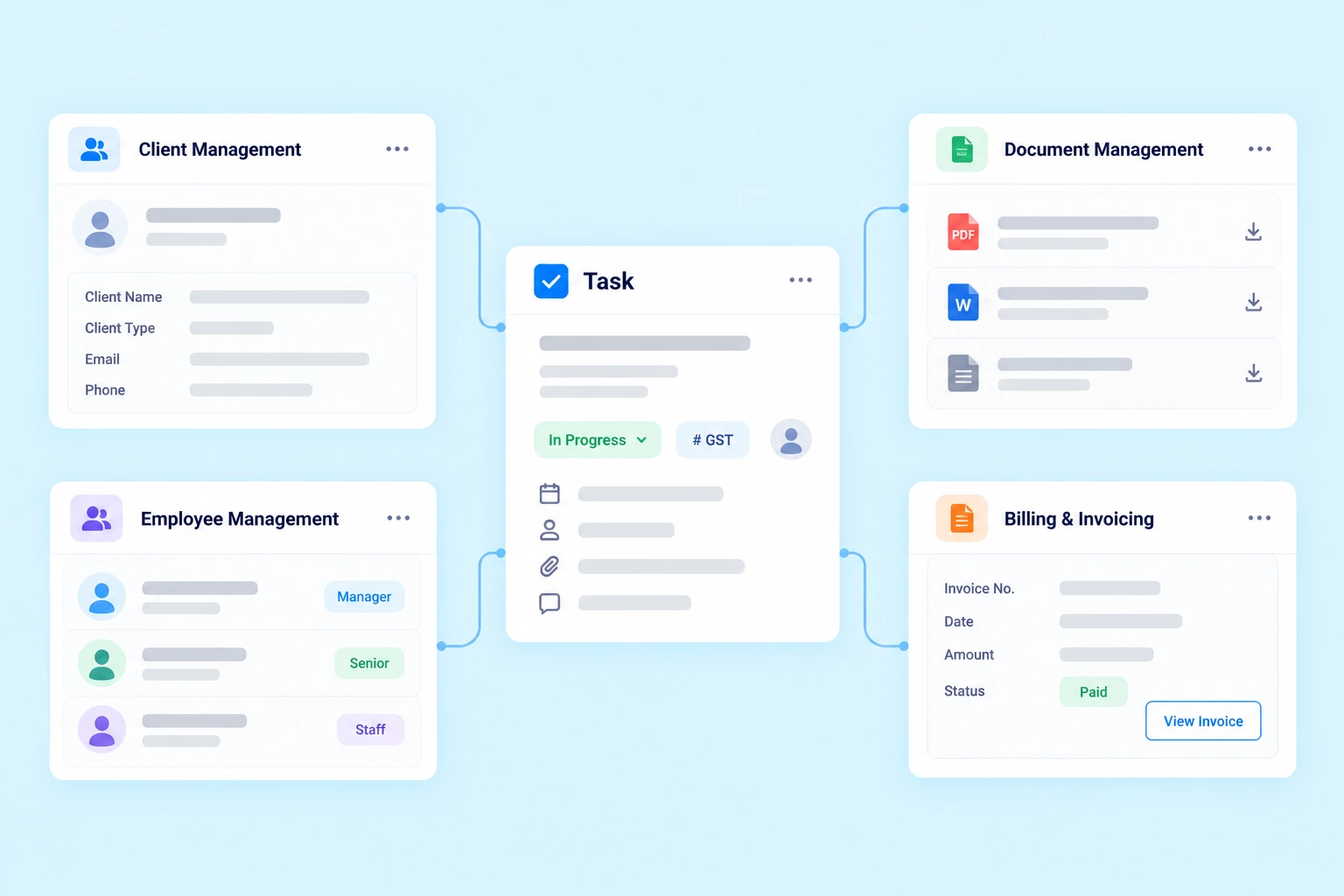
Task management software helps Chartered Accountants organize client assignments, recurring work, deadlines, employee responsibilities and task progress through a centralized system.
Yes. Practive supports bulk task creation and bulk client selection, allowing you to create a task for multiple clients without repeating the entire process for each client.
Yes. Practive supports recurring task schedules for monthly, quarterly, half-yearly and yearly work.
Practive supports automatic task assignment settings for the responsible team member or client-side user, according to the available configuration.
Yes. You can use checklists to organize steps and subtasks to divide assignments into smaller activities. Recurring subtasks are also supported.
Yes. You can request required documents directly inside a task and keep document collection connected to the relevant assignment.
Yes. Practive provides a built-in task timer and Task Time Logs. Timesheet can be used to record time across client work, tasks and internal activities.
Yes. Practive supports retainer management with fixed-fee packages, flexible billing frequencies, auto-renewal settings and task and billing tracking.
Practive is designed for Chartered Accountants and accounting firms that need to organize client assignments, recurring tasks, team responsibilities and related workflows.

Give your team a more structured way to manage daily client work and recurring assignments.