Reporting Software for CA Firms

Comprehensive Report Centre

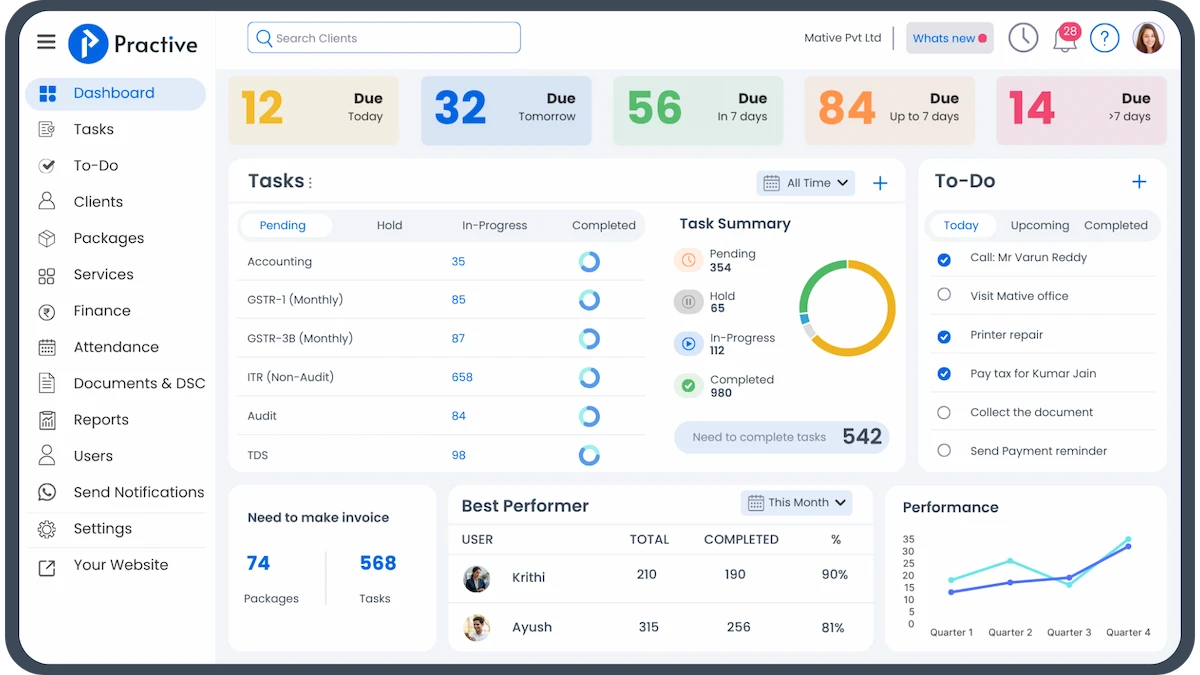
Get a clearer view of your CA firm’s work, finances, time records and client information with Practive Reports. Generate detailed reports, apply available filters and export reports to Excel for further analysis.

Practive CA practice management software

TRUSTED BY 2,000+ CHARTERED ACCOUNTANTS

All Your CA Firm Reports in One Place

Access reports across key areas of your practice.
Review financial records, monitor time entries, view client information and generate task and service reports as needed.

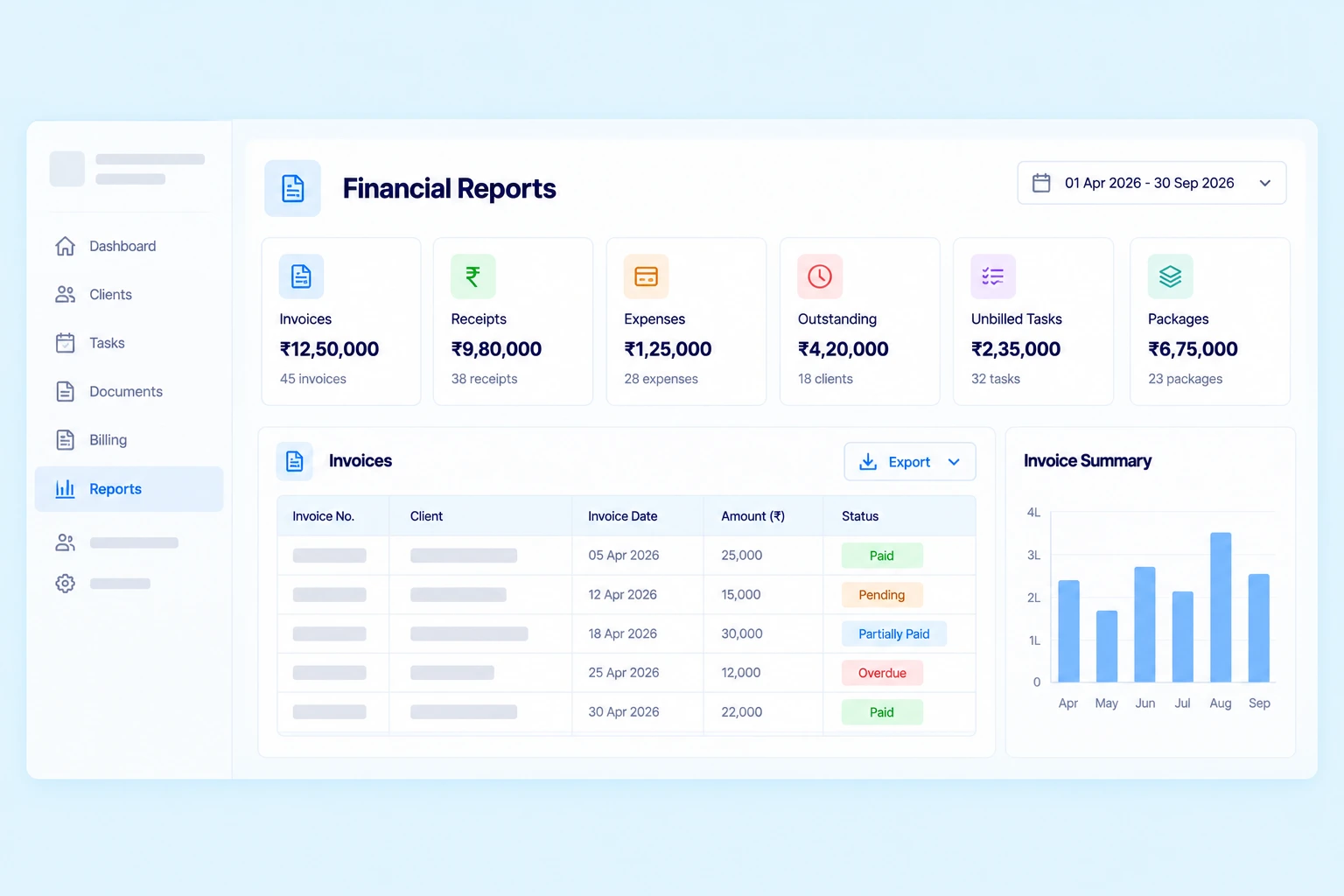
Financial Reports

Review your firm’s billing and financial records through reports for:

Invoices

Receipts

Expenses

Outstanding amounts

Unbilled tasks

Retainer

Access reports across key areas of your practice.
Review financial records, monitor time entries, view client information and generate task and service reports as needed.

View financial reports and billing summaries
Review employee timesheets and work hours

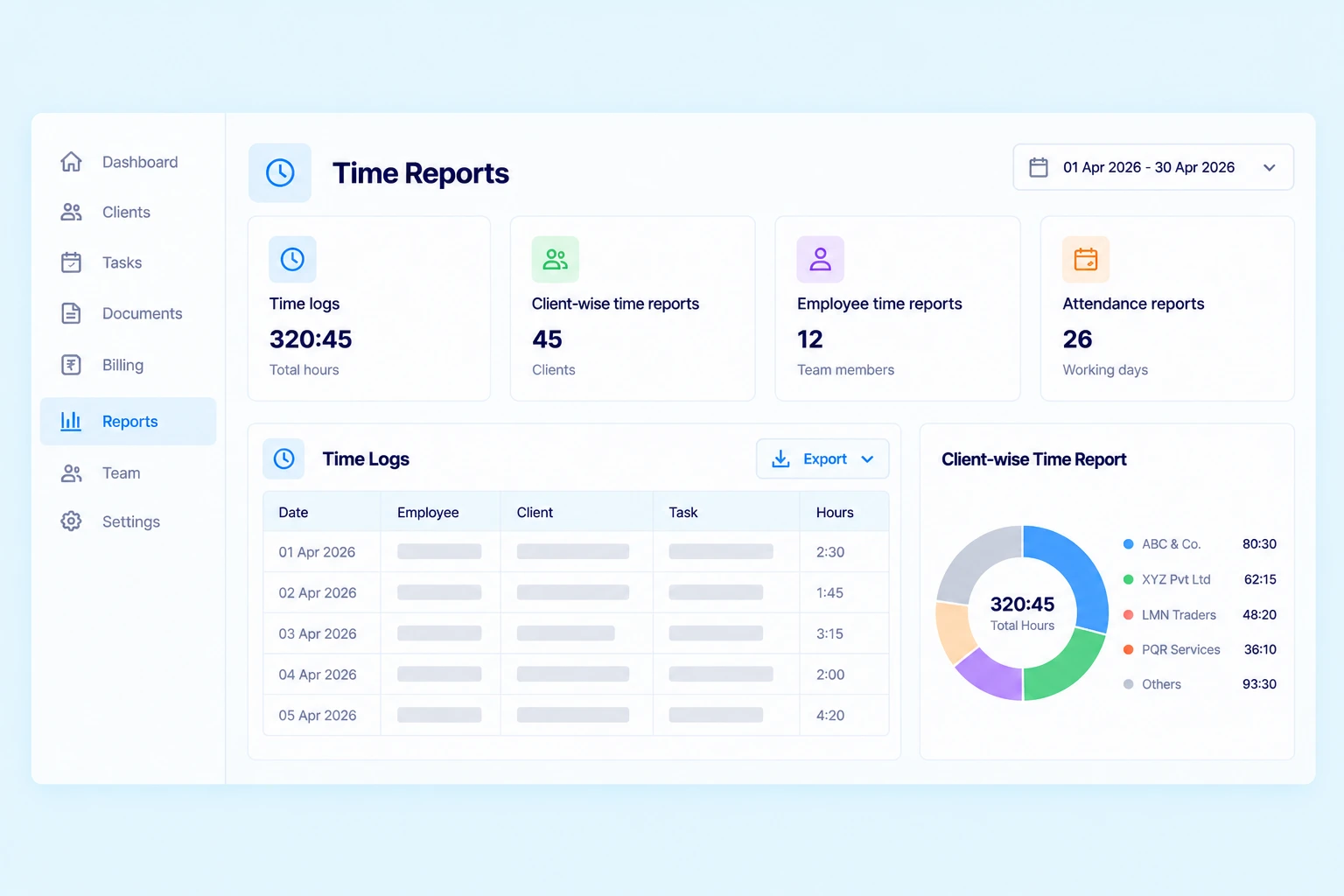
Time Reports

Access time and attendance information to understand how time is recorded across your firm. Available reports include:

Timesheet

Time logs

Client-wise time reports

Employee time reports

Attendance reports

Review recorded time by client or employee and access attendance information when required.

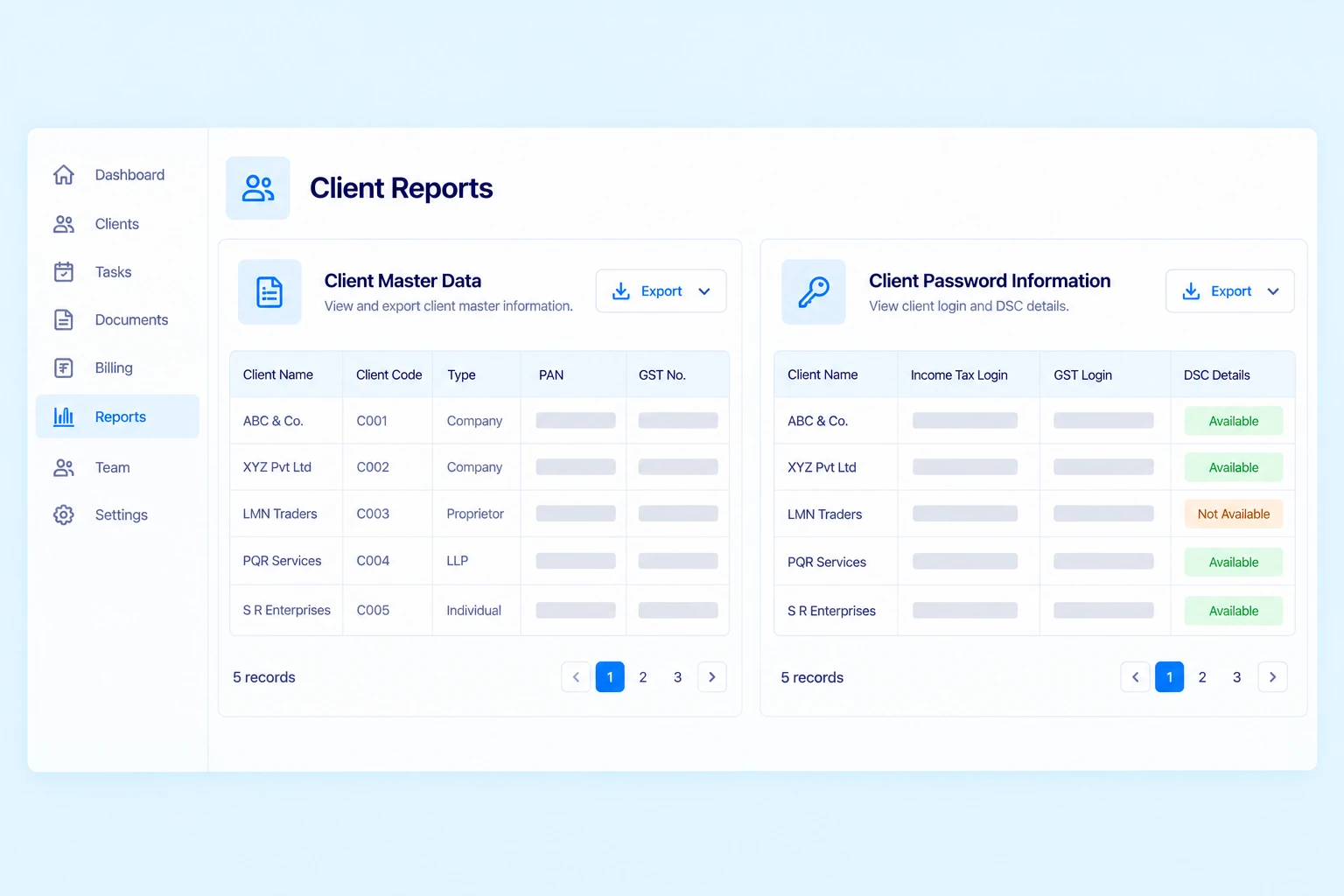
Client Reports

Access detailed client information through client reports, including:

Client master data

Client password information

DSC information

Other available client details

Use client reports to review and export relevant client records for your firm’s operational needs.

View client information and service reports
Track tasks, pending work and renewals

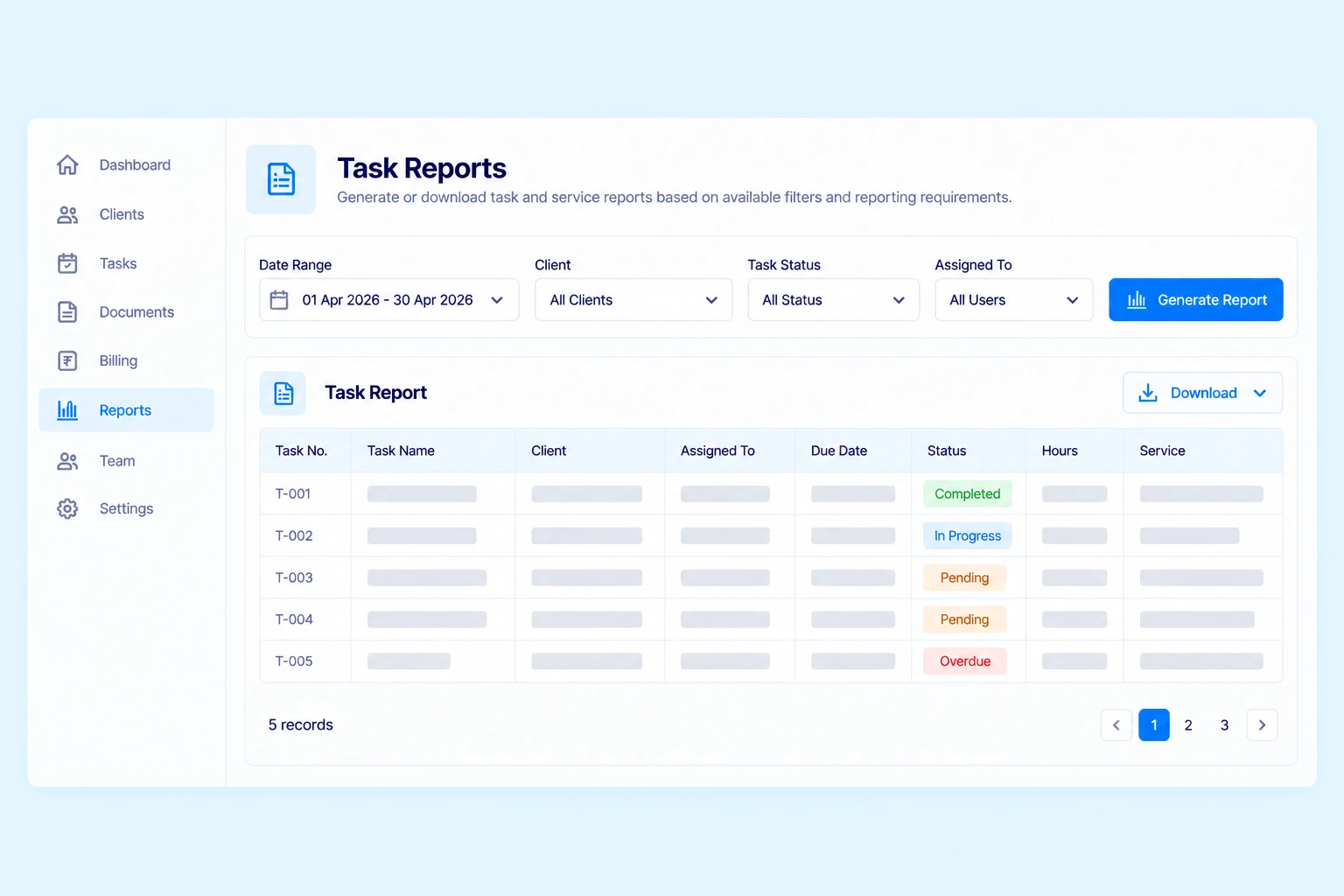
Task Reports

Generate or download reports using available filters to review task progress, service details, renewal records, and pending tasks.

Task report

Service report

Renewal report

Pending task report

Review recorded time by client or employee and access attendance information when required.

Export Reports to Excel

Export reports in Excel format for further analysis, record-keeping and internal review.

Use exported data to organize information, perform additional analysis and prepare records according to your firm’s requirements.

Why Use Reporting Software for Your CA Firm?

Access Information in One Place

Review financial, client, task, time and attendance information through the report centre.

Review Financial Activity

Access reports covering invoices, receipts, expenses, outstanding amounts and unbilled tasks.

Understand Time Records

Review time logs, client-wise and employee time reports, and attendance records.

Find Relevant Client Information

Access client master data and available DSC and password information through client reports.

Support Further Analysis

Export reports to Excel for additional analysis and record-keeping.

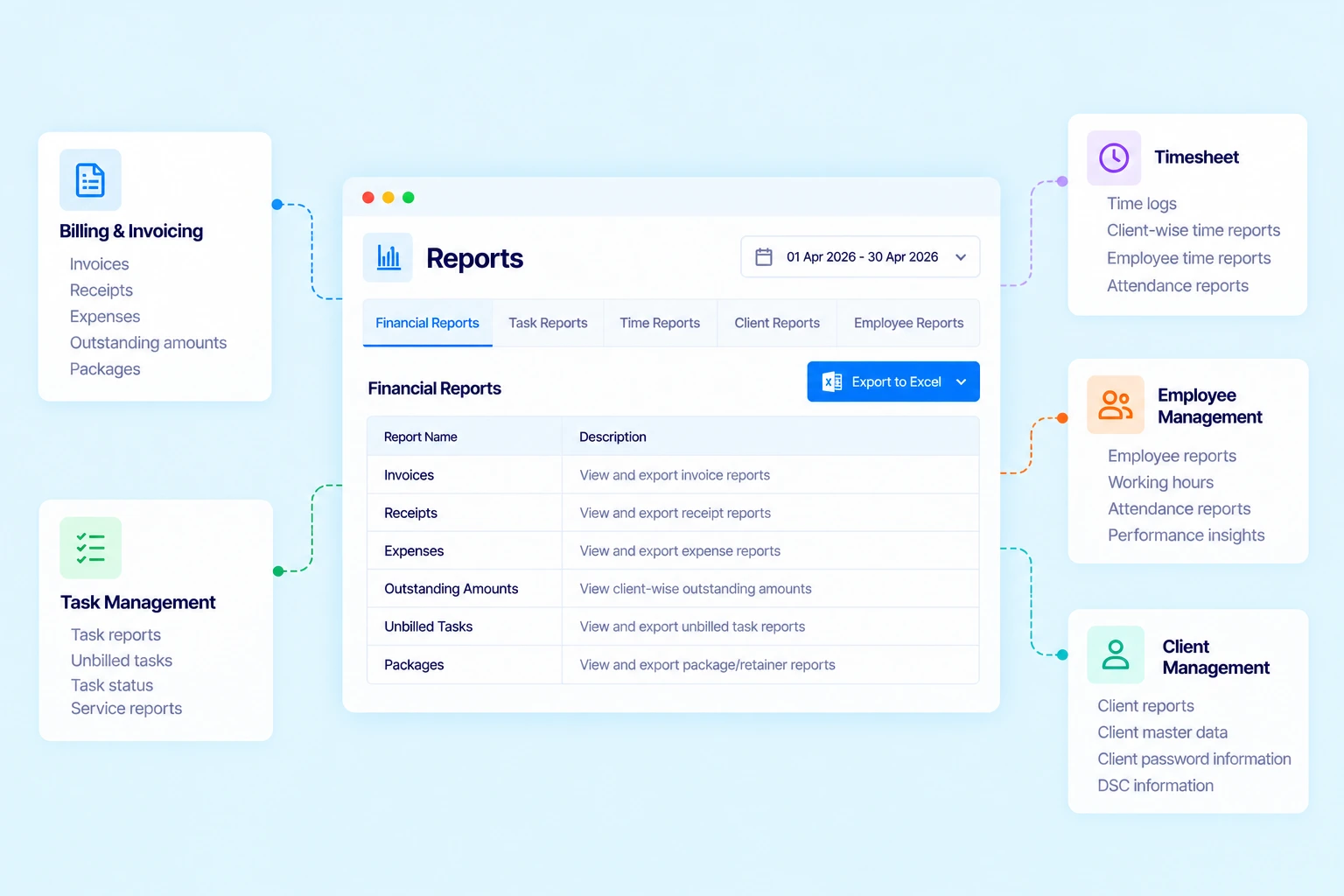
Connect Reports With Your Daily Workflows

Practive reports bring together information from different areas of your practice management workflow.

Billing & Invoicing

Review invoices, receipts, expenses and outstanding amounts.

Task Management

Access task and service reports, including unbilled task information.

Timesheet

Review time logs and client-wise or employee time reports.

Employee Management

Access attendance reports and employee-related time records.

Client Management

Review client master data and available client details.

Connect reports with daily CA firm workflows

Frequently asked questions

Practive provides financial, time, client, task and service reports to help CA firms review information across their practice.

Yes. Financial reports cover invoices, receipts, expenses, outstanding amounts, unbilled tasks and packages.

Yes. Available time reports include time logs, client-wise time reports, employee time reports and attendance reports.

Yes. Reports can be exported to Excel for further analysis.

Yes. You can generate or download task and service reports using available filters and reporting options.

Client reports include client master data, client password information, DSC information and other available client details.

Stay Ahead of Client Renewals With Practive

Organize renewal records, track expiry dates and automate renewal-related task creation with Practive.