
Communicate With Clients
Keep your clients informed without managing every message manually. Practive helps Chartered Accountants and accounting firms automate and send bulk communication through WhatsApp, Email and SMS for task updates, document requests, payment reminders, invoices, receipts, greetings and more. Automate client follow-ups according to your configured settings and keep routine communication running alongside your firm’s daily work.

TRUSTED BY 2,000+ CHARTERED ACCOUNTANTS
Communication is a regular part of managing a CA firm. Your team needs to request documents, share invoice details, send payment reminders and keep clients updated about their work. Practive brings WhatsApp, Email and SMS communication into your practice management workflow, helping you send routine messages and automate client follow-ups more efficiently. With Practive, you can:
WhatsApp is widely used for everyday client communication.
Practive integrates WhatsApp Business API functionality into your workflow, allowing you to send automated or bulk messages to clients.

Connect your own WhatsApp Business number to Practive to send automated or bulk messages through the supported integration. Bring routine client communication closer to your existing task, document and billing workflows.
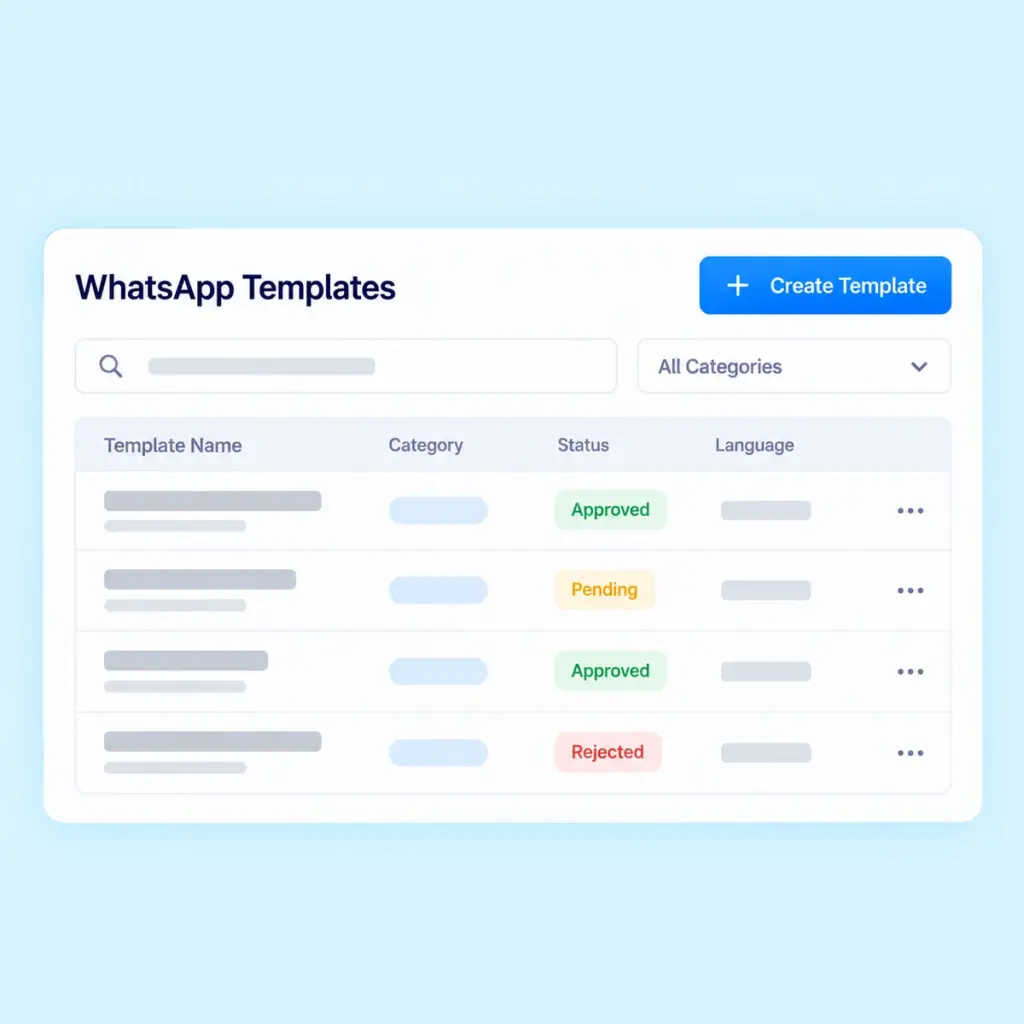
Create and manage customized WhatsApp message templates for consistent client communication. Templates help organize messages for recurring communication needs, such as reminders, notifications and document requests.
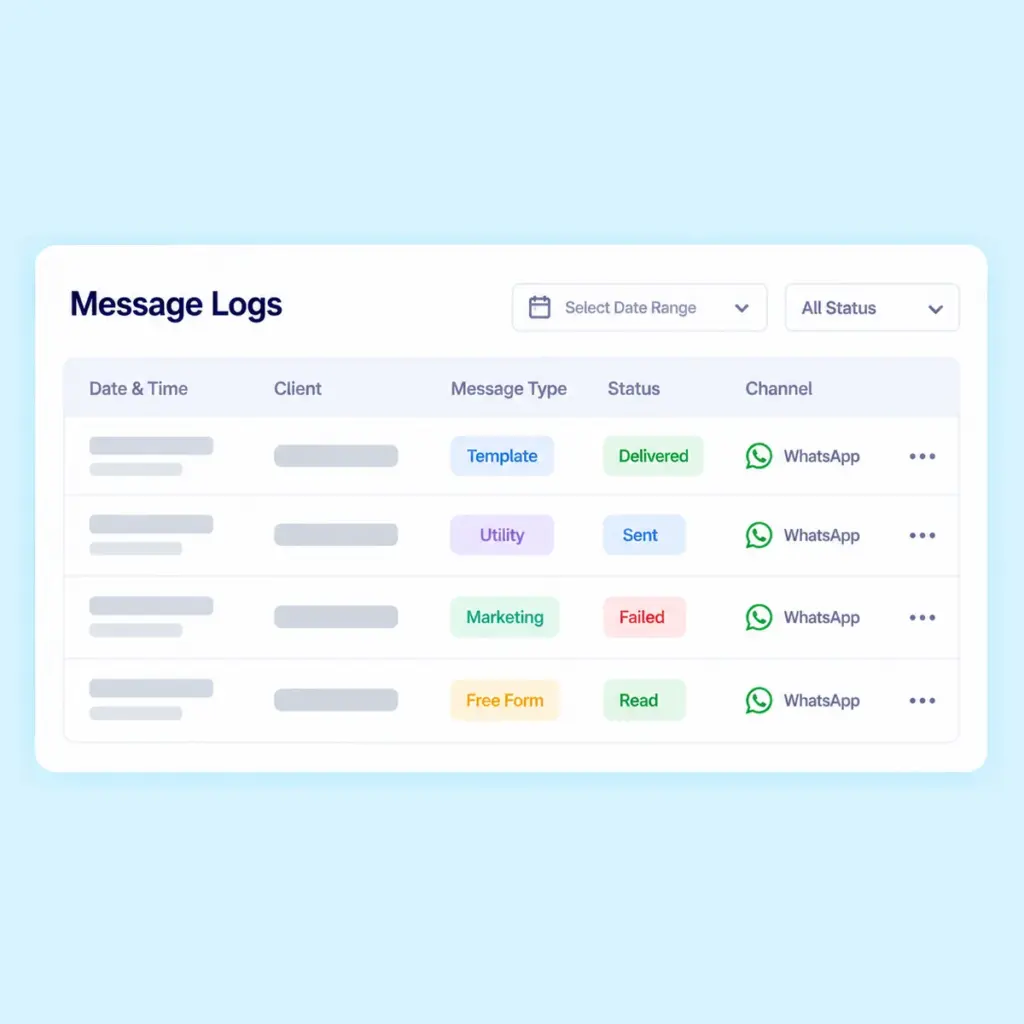
Keep track of messages through a centralized message log. Review available delivery information and message status reports to understand the status of your client communications.
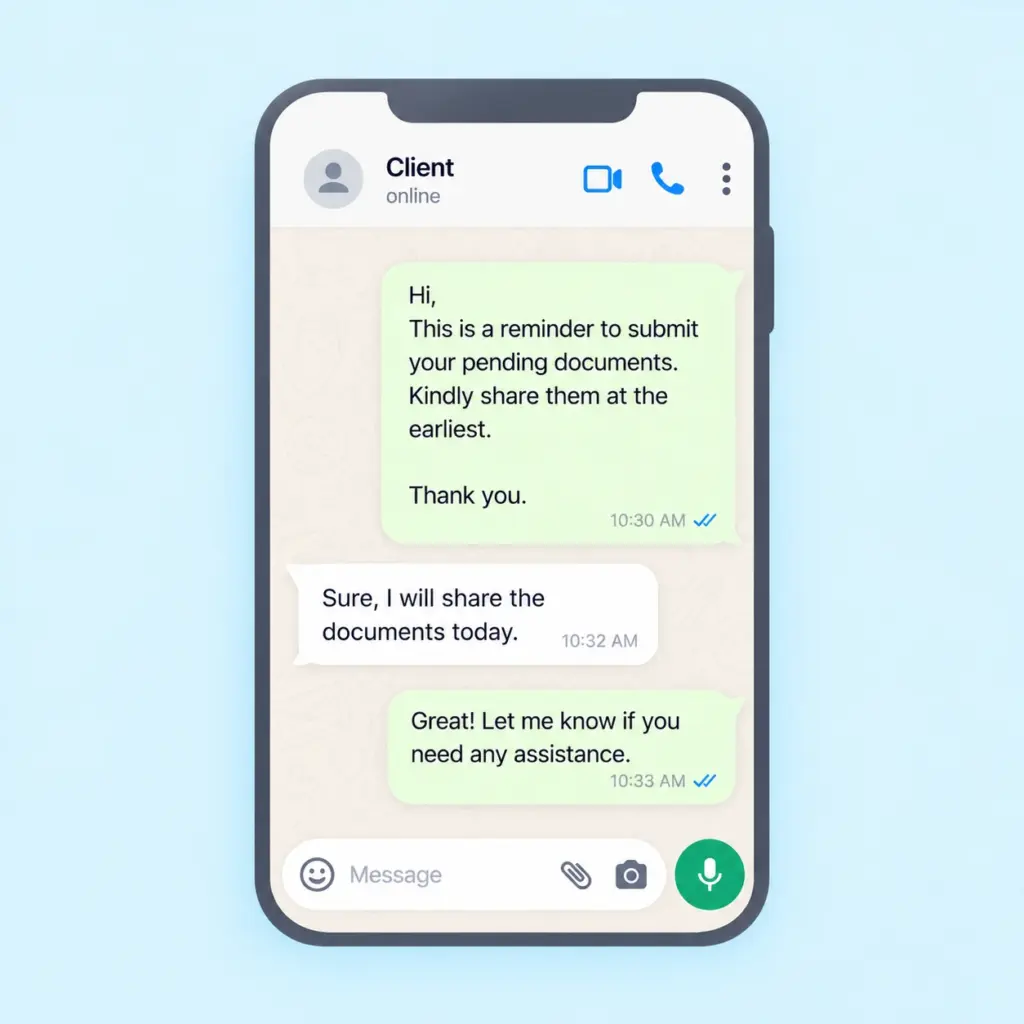
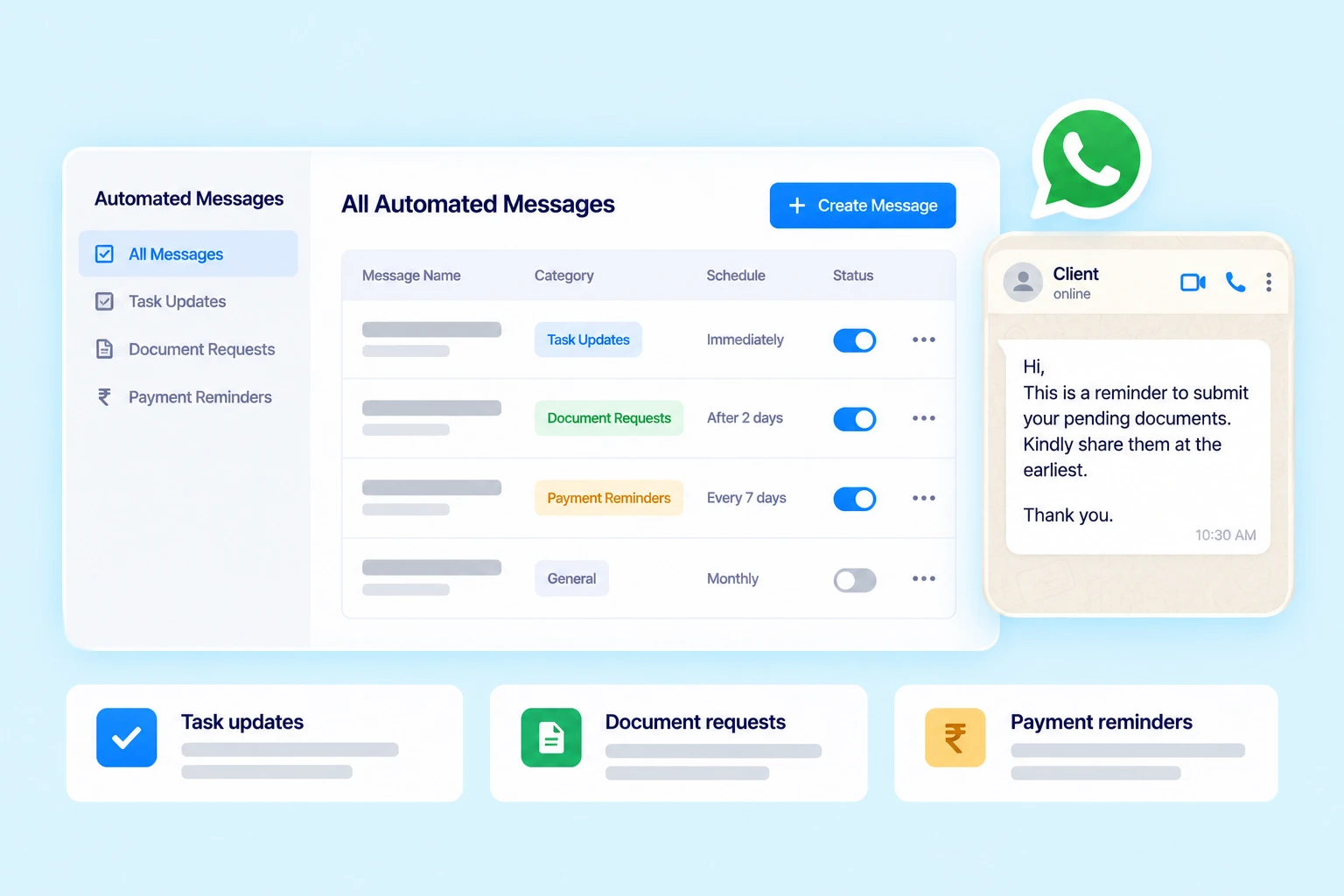
Automate task, payment and document reminders through WhatsApp based on your configured settings. Reduce manual follow-ups with timely, automated client reminders. Save time and maintain consistent client communication.
Use supported communication workflows for common client interactions, including:
Give clients a convenient way to access supported information through WhatsApp without requiring your team to handle every routine request manually. Practive’s WhatsApp AI Chatbot helps clients retrieve relevant billing and document information through an automated interaction.
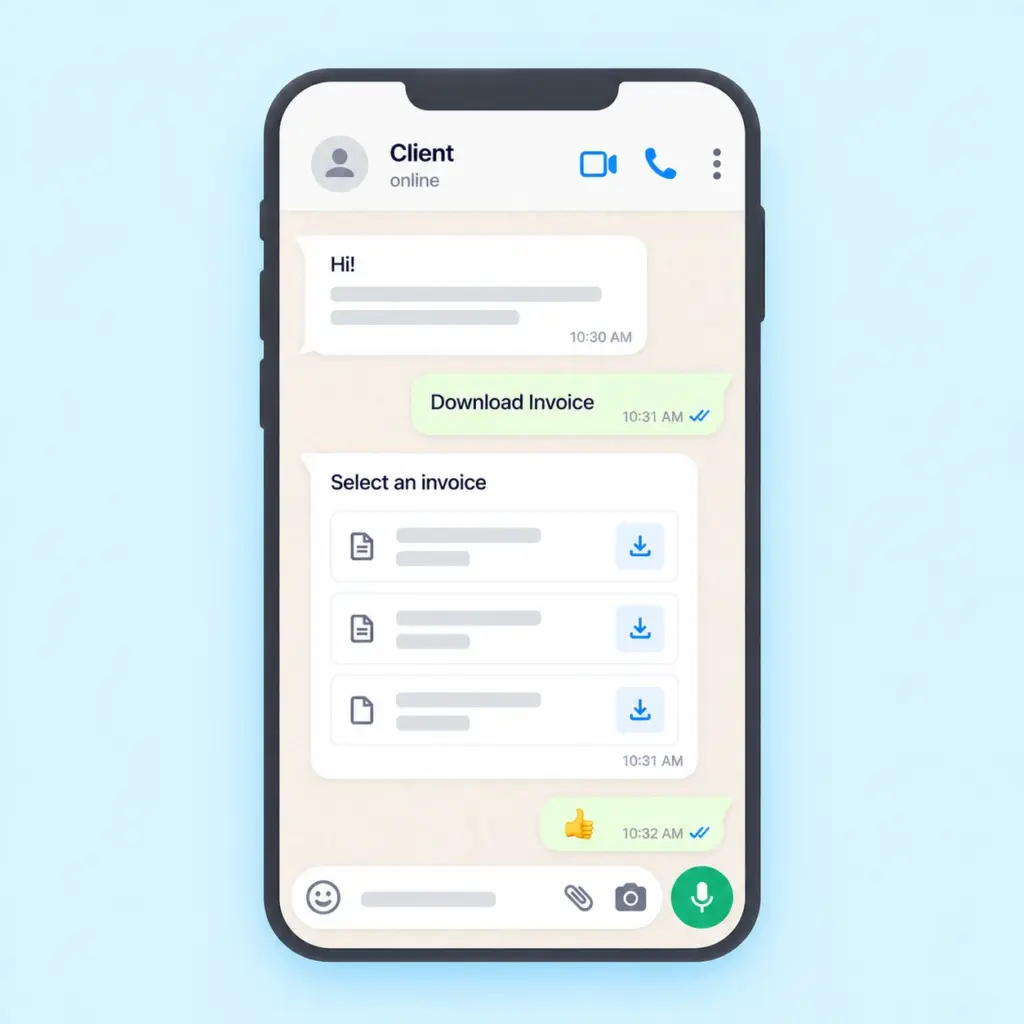
Allow clients to access and download supported invoice and receipt information through the WhatsApp chatbot.
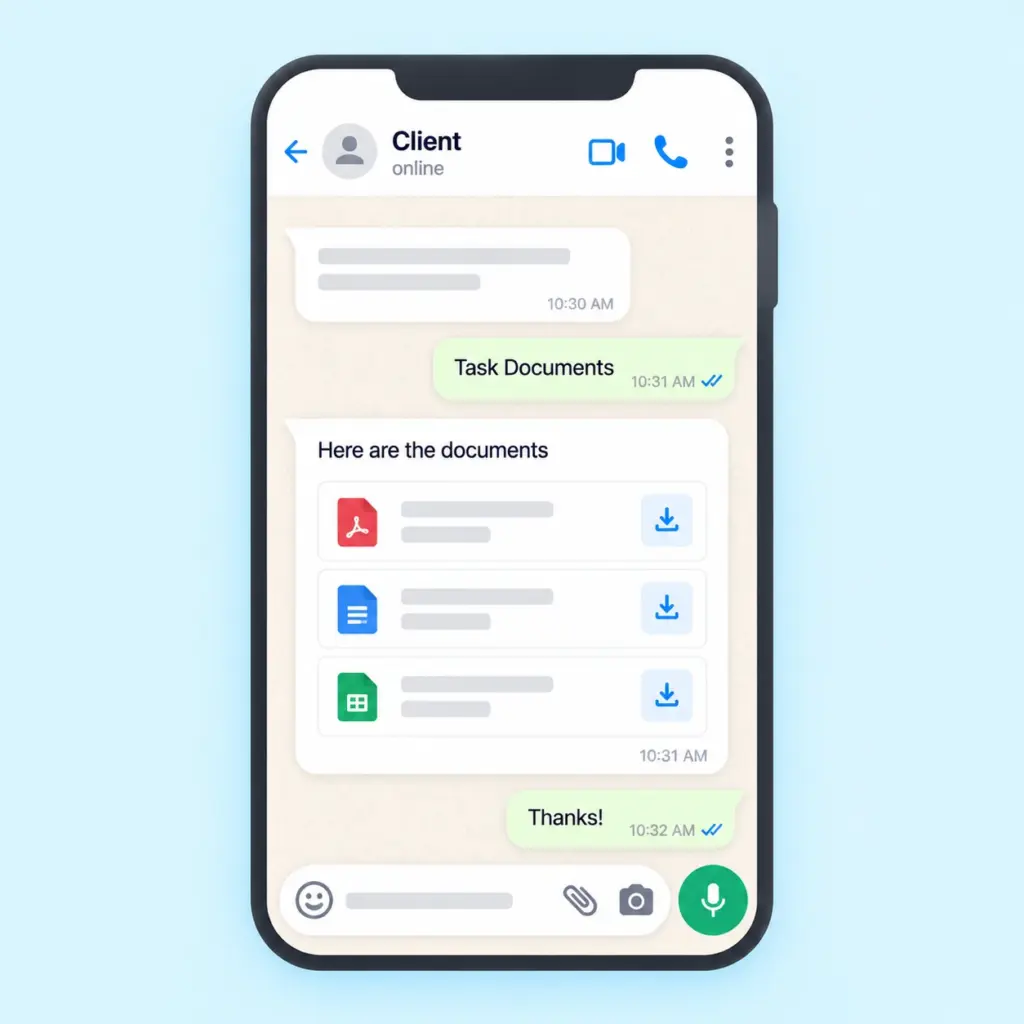
Help clients retrieve supported documents through the chatbot, making routine document access more convenient.
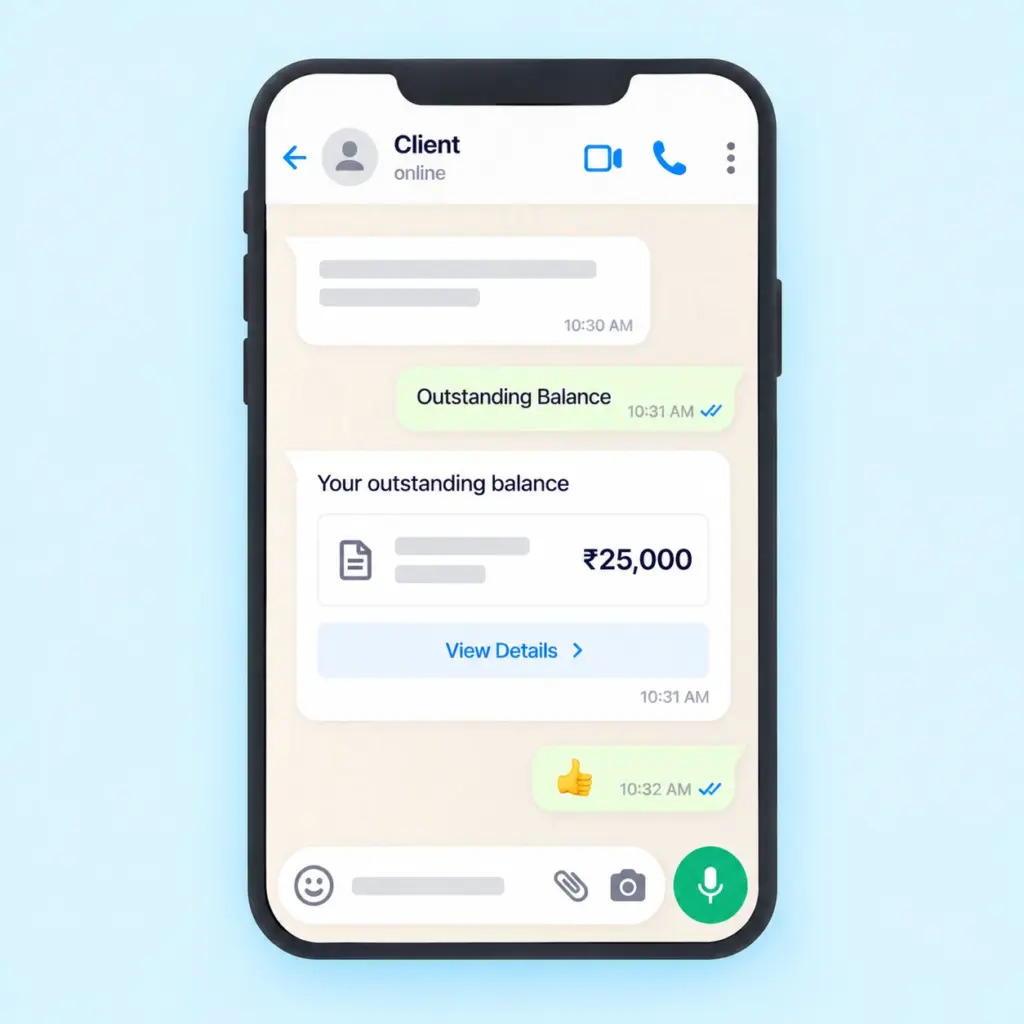
Clients can check their outstanding balance information through the supported WhatsApp interaction.
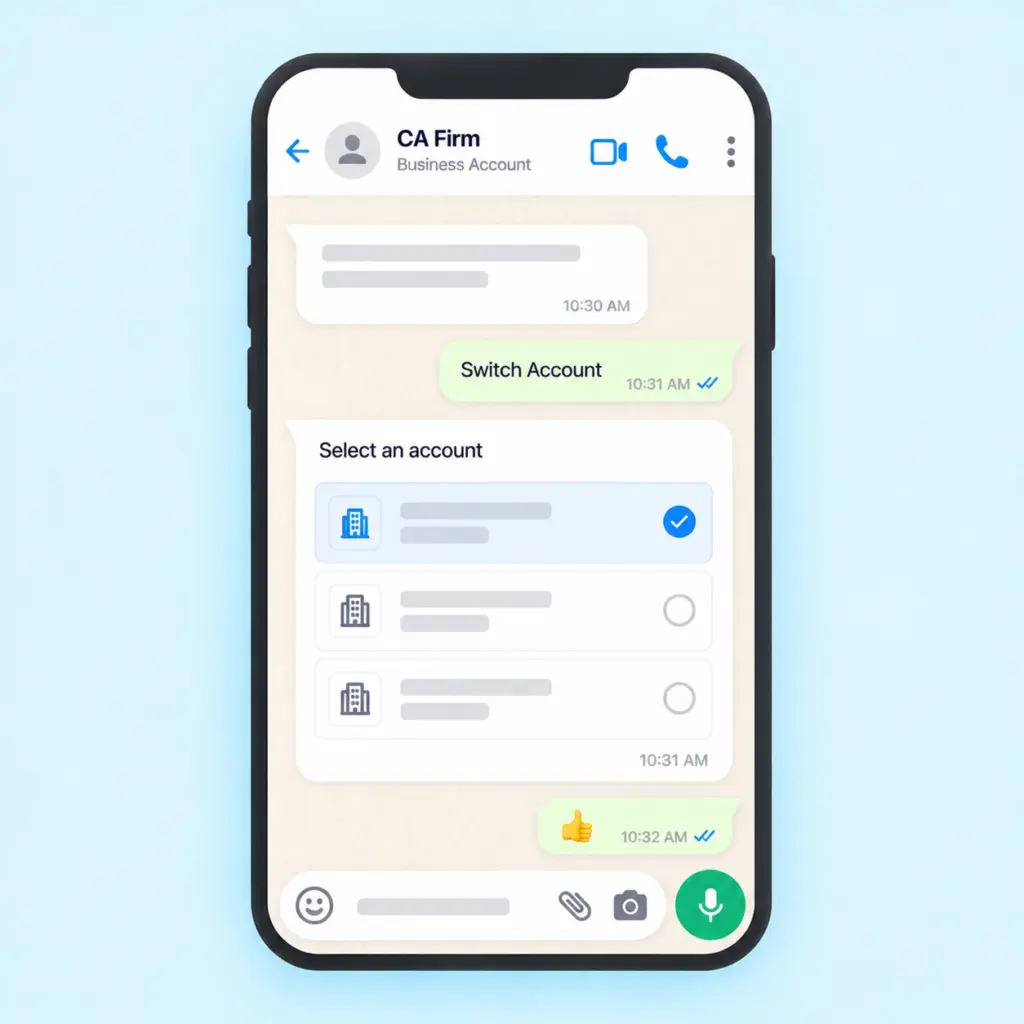
The WhatsApp AI Chatbot allows clients to switch between accounts within the supported workflow. Automate routine interactions and reduce repetitive information requests. Make client communication faster and more convenient.
Not every client interaction needs to happen through WhatsApp.
Practive also supports Email and SMS communication to help your firm send important information through the appropriate channel.
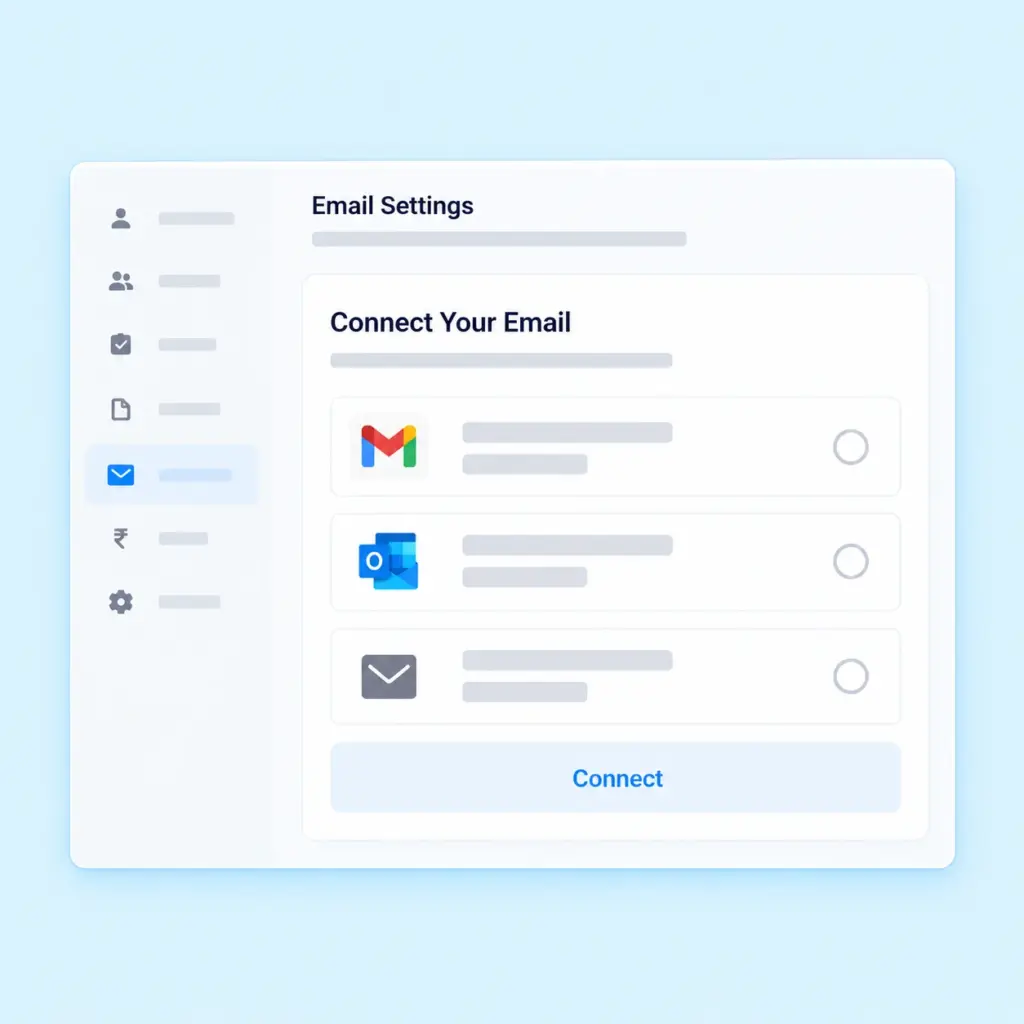
Configure your own email ID or use Practive’s default sender id where supported. Send emails and messages with your signature to maintain consistent client communication
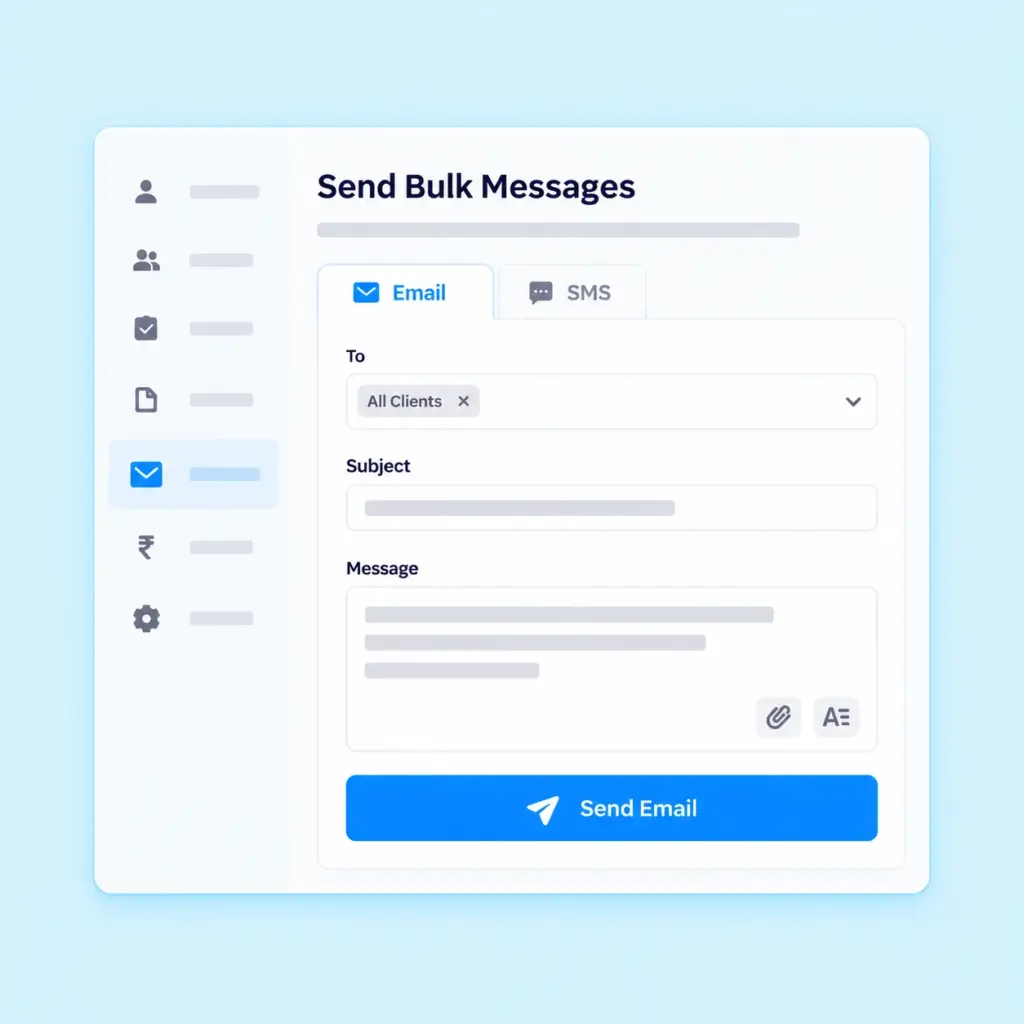
Send bulk communication when you need to share information with multiple clients. This can help organize announcements, reminders and other routine messages without sending every communication individually.
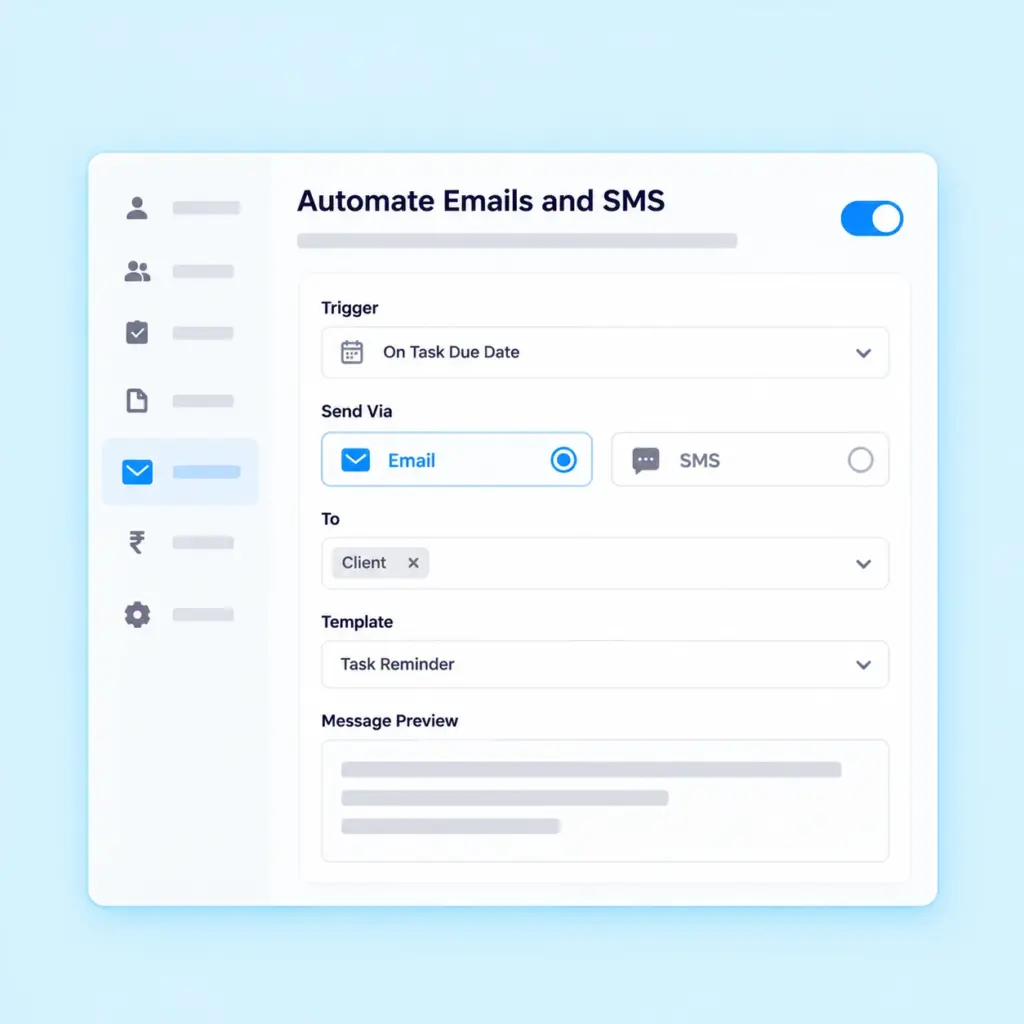
Configure automatic emails for supported reminders and notifications. Use automated communication to keep clients informed about relevant updates while reducing repetitive manual follow-ups.
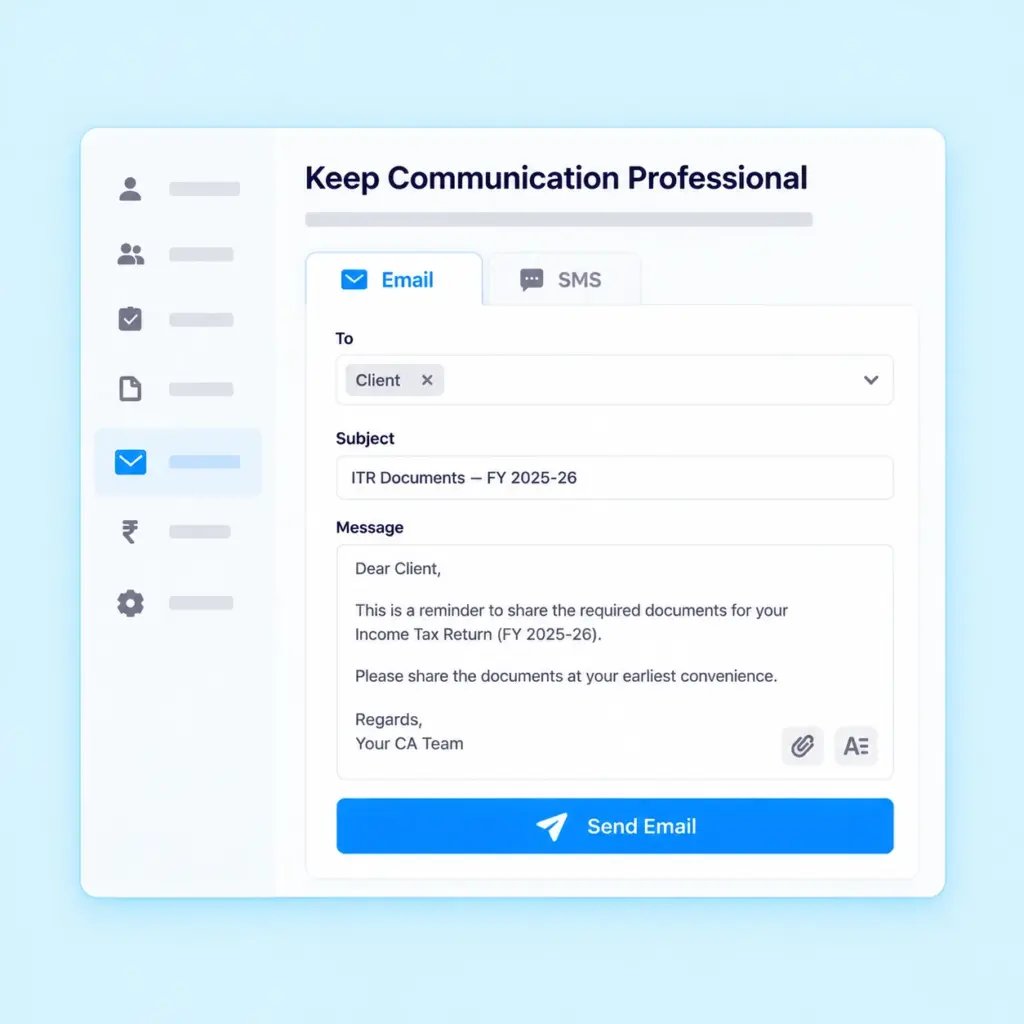
Use your configured sender details and signature to maintain consistent communication with clients across supported email and messaging workflows.
Send task reminders, payment reminders and document
reminders through supported Email and SMS workflows.
Messages are sent according to your configured client
automation settings, helping your firm manage routine
follow-ups without manually contacting every client.
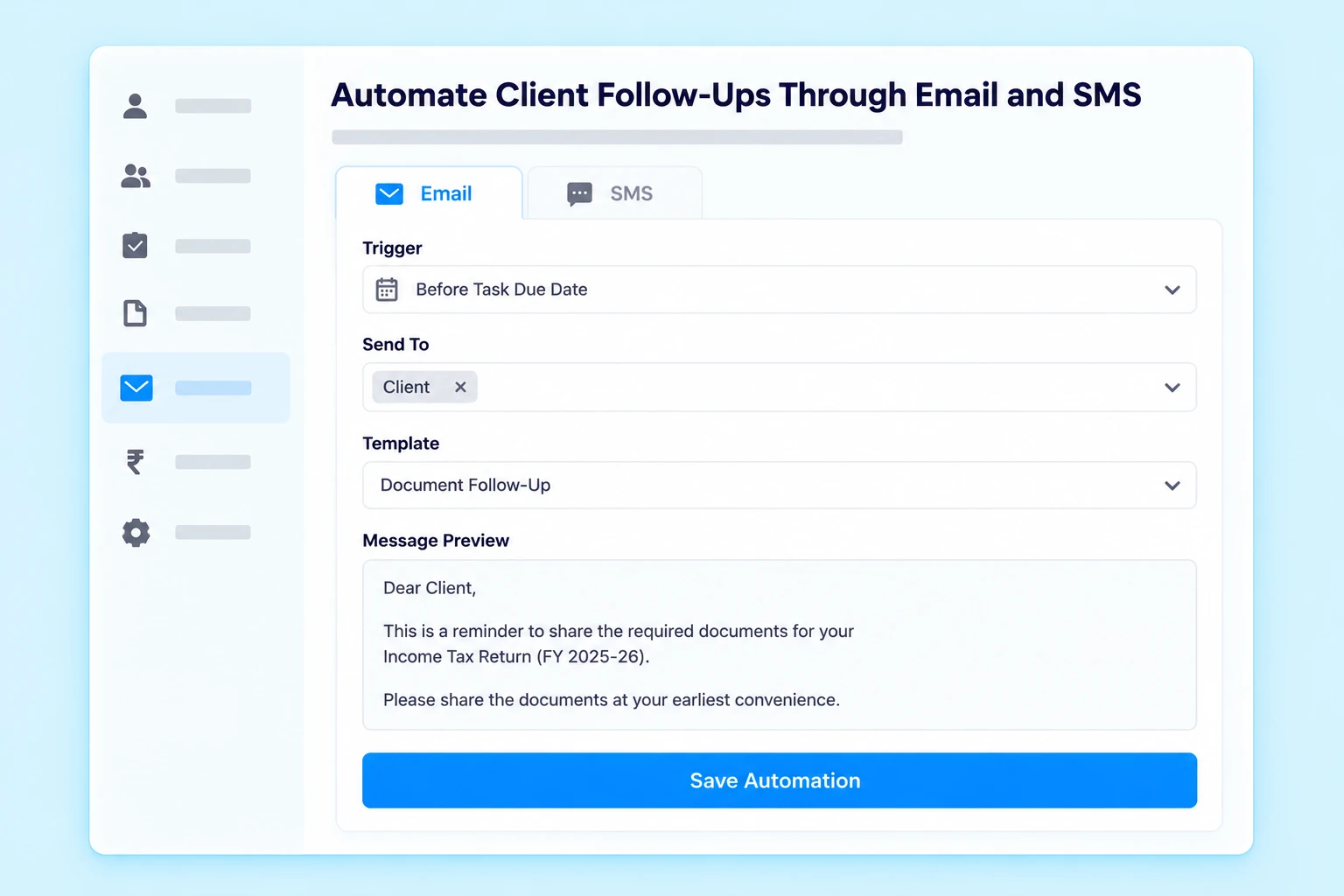
Following up with clients for pending tasks, payments and documents can consume significant time in a CA firm. Practive helps automate these follow-ups through WhatsApp, Email and SMS according to your configured automation settings.
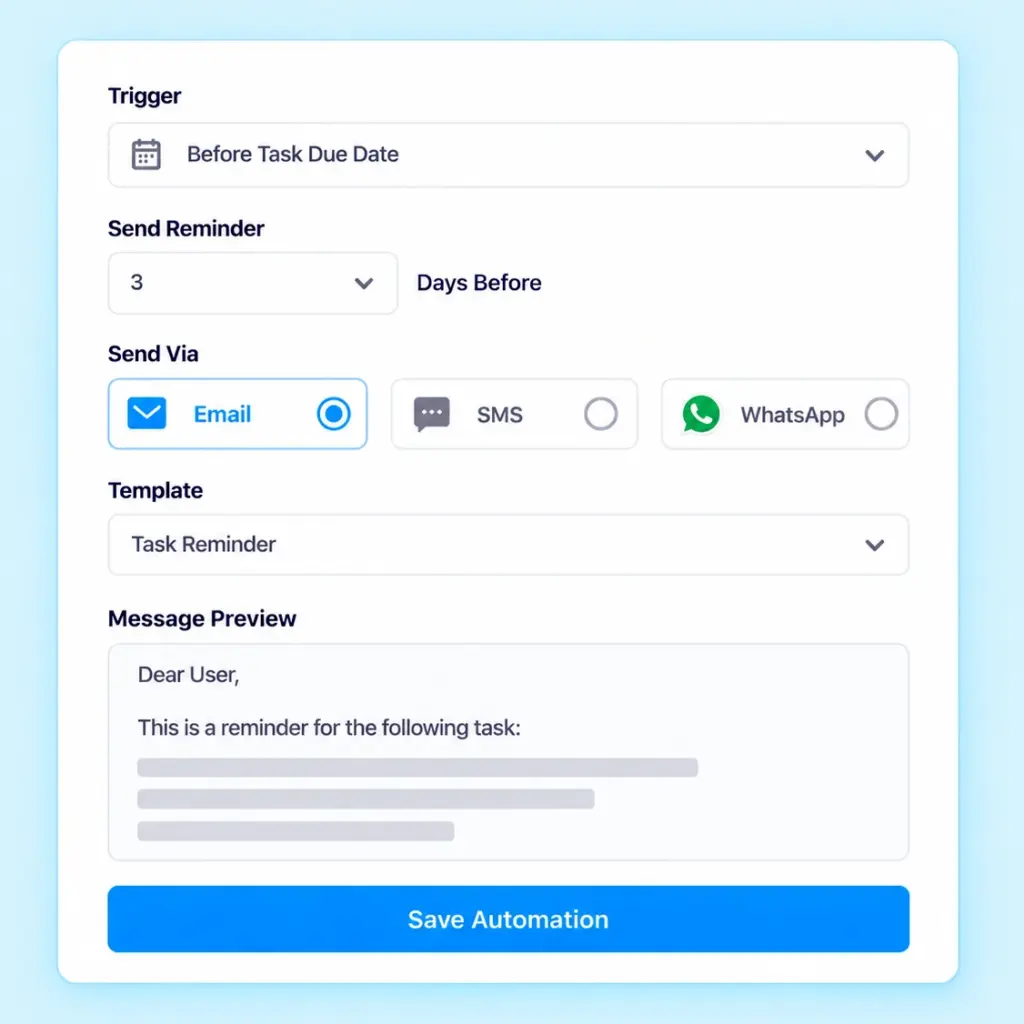
Send task reminders to clients according to the configured automation settings. Keep clients informed about relevant tasks and required actions without manually sending each reminder.
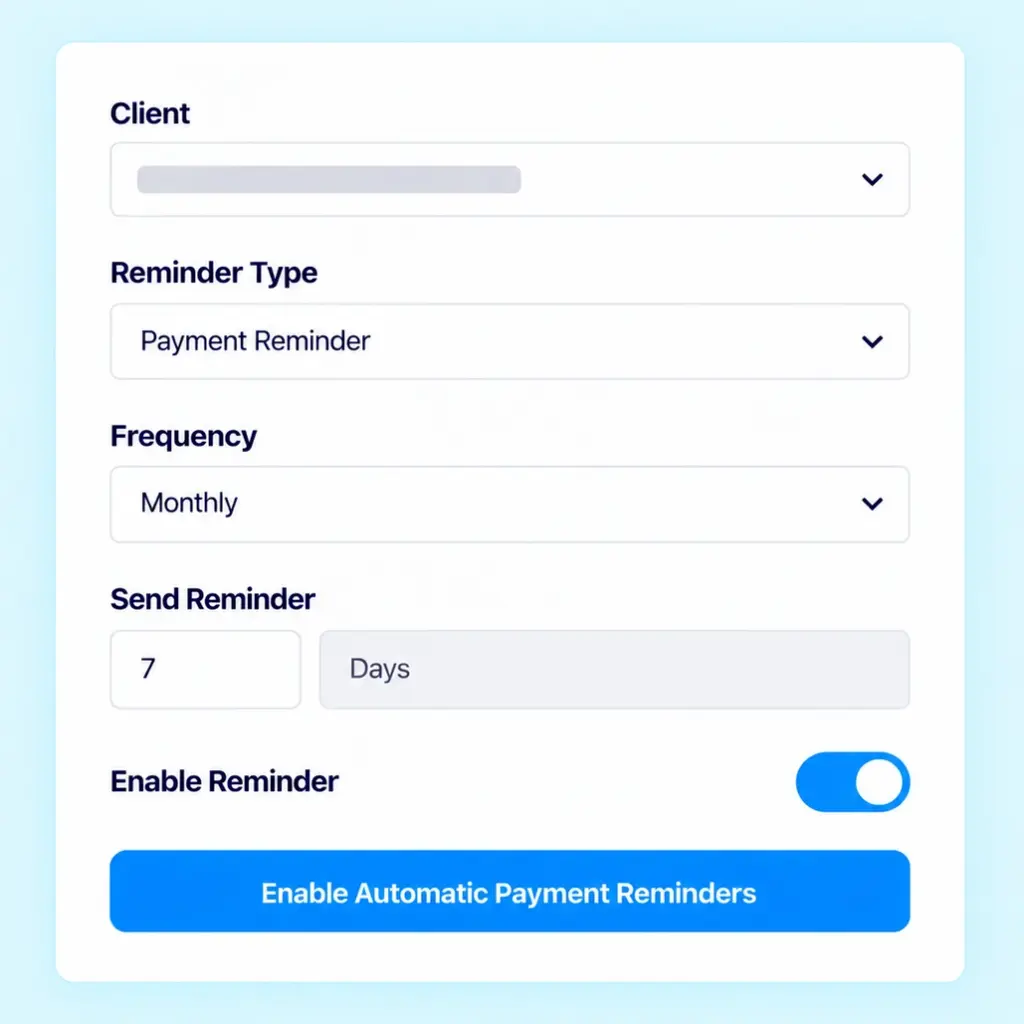
Automate reminders for pending payments and outstanding amounts. Help clients stay informed about their payment obligations while reducing repetitive follow-up work for your team.
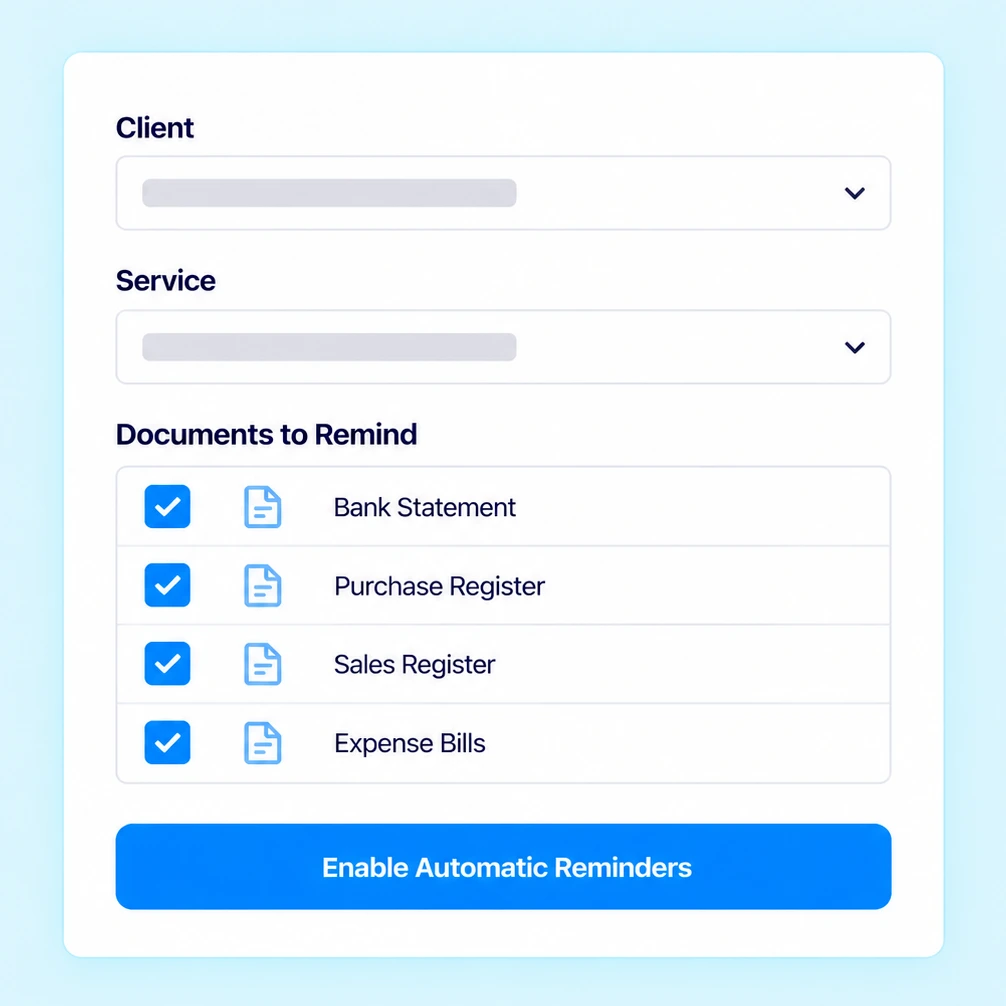
Send reminders to clients for required documents and pending document submissions. Keep document collection moving with timely communication based on your configured automation settings.
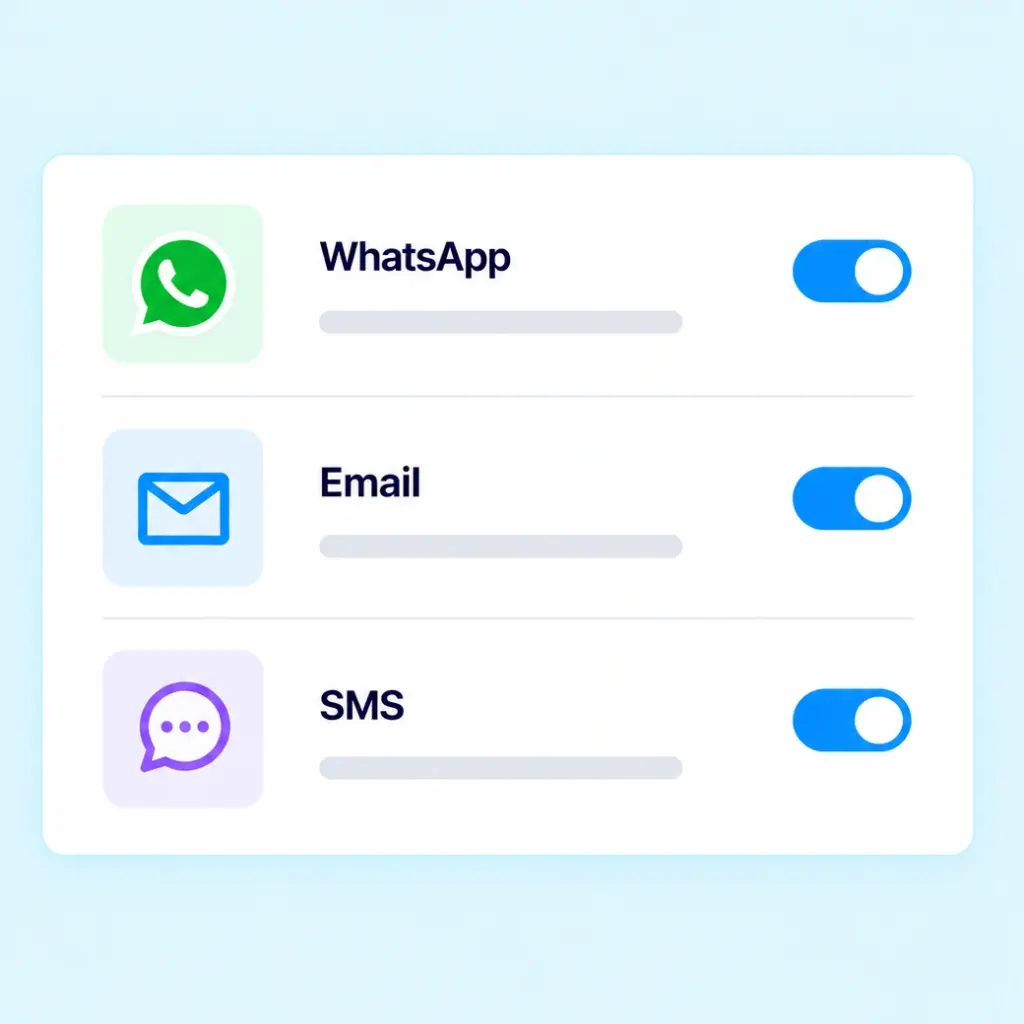
Automate client follow-ups through WhatsApp, Email and SMS based on your configured settings. Key Benefit: Reduce manual follow-ups and keep clients informed about pending tasks, payments and documents.
Automate task, payment and document reminders instead of manually sending every message.
Use bulk communication when you need to share relevant information with multiple clients.
Manage WhatsApp templates and configured sender details to keep communication organized.
Use message logs and available delivery reports to review communication activity.
Let clients retrieve supported invoices, receipts, documents and outstanding balance information through the WhatsApp AI Chatbot.
Manage client communication alongside tasks, document collection and billing activities.
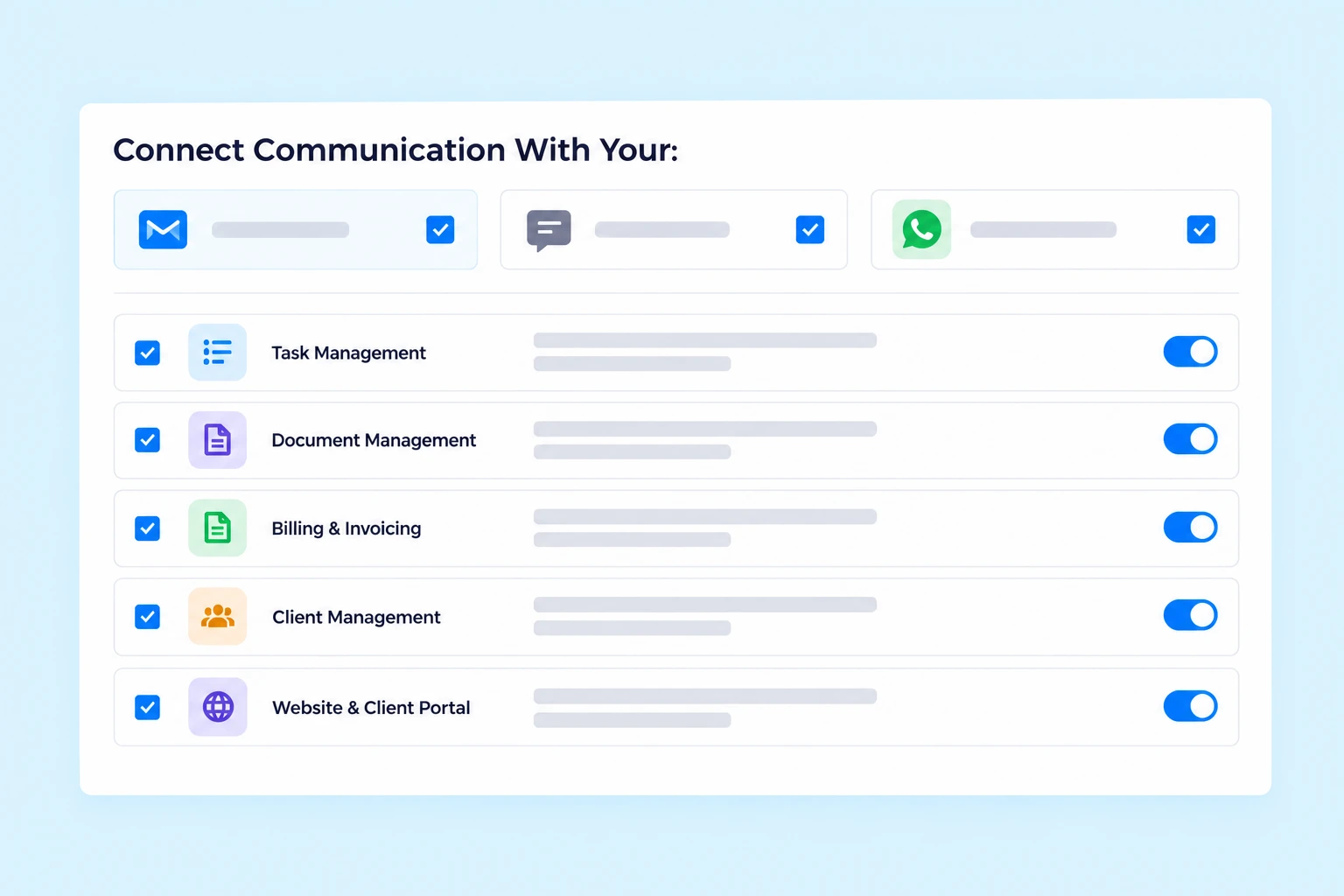
Practive connects communication with other workflows involved in managing a CA firm.
Organize assignments and related task updates.
Manage client documents and document requests.
Connect communication with invoices, receipts and payment reminders.
Maintain organized client information and related records.
Provide clients with access to supported information and document submission workflows.
Client communication software helps Chartered Accountants manage routine interactions with clients through channels such as WhatsApp, Email and SMS. It can support document requests, task updates, payment reminders and invoice notifications.
Yes. Practive supports WhatsApp Business API integration for automated and bulk client communication through supported workflows.
Yes. Practive supports bulk WhatsApp messaging through its WhatsApp integration, subject to the applicable configuration and messaging requirements.
Yes. Practive supports automated task reminders through configured communication workflows, helping reduce manual follow-ups with clients.
Yes. Practive supports payment reminders through applicable communication workflows. Reminders are sent according to your configured client automation settings.
Yes. Practive supports document requests and automated document reminders to help follow up on pending client documents according to configured automation settings.
Task reminders, payment reminders and document reminders are sent through supported WhatsApp, Email and SMS workflows according to the automation settings configured for client communication.
Yes. Practive allows you to create and manage customized WhatsApp message templates.
Practive provides message logs with available delivery and status reports to help you review communication activity.
Clients can use the supported chatbot workflow to download invoices, receipts and documents, check outstanding balances and switch accounts.
Yes. Practive supports Email and SMS communication, including bulk messages and automated emails for supported reminders and notifications.
Yes. You can configure your own email ID or use Practive’s default sender name where supported.

Bring WhatsApp, Email and SMS communication into your CA firm’s daily workflow.